The demand for online courses continues to grow in 2026, and platforms like Teachable have helped thousands of creators launch their own digital education businesses.
However, Teachable is not the only option available today. Many creators eventually start searching for Teachable alternatives because they want better pricing, more powerful marketing tools, or platforms that offer stronger customization and community features.
If you’ve searched for terms like:
- Teachable competitors
- websites like Teachable
- Best Teachable alternatives
- free Teachable alternatives
- alternatives to Teachable
You’re not alone.
Creators, coaches, entrepreneurs, and educators often explore other platforms to find the best fit for their course business.
In this guide, we’ll explore the 9 best Teachable alternatives in 2026, including both free and paid platforms that allow you to create, host, and sell online courses.
You’ll also learn:
- What Teachable is and how it works
- Teachable pricing and limitations
- What features to look for in a course platform
- The best Teachable competitors for different needs
By the end of this guide, you’ll have a clear idea of which platform is the best alternative to Teachable for your online course business.
What Is Teachable?
Teachable is a popular online course platform that allows creators, educators, and businesses to create and sell digital courses.
It provides an all-in-one environment where users can:
- Upload course content
- Organize lessons and modules
- Manage students
- Accept payments
- Deliver digital learning experiences
One of Teachable’s biggest advantages is its ease of use. Even beginners with no coding knowledge can create a course website and start selling within a short time.
Many creators use Teachable for:
- Online courses
- coaching programs
- digital downloads
- membership content
However, while Teachable works well for beginners, some creators eventually need more advanced features, which leads them to explore other platforms similar to Teachable.
Teachable Pricing Explained
Teachable offers several pricing plans depending on where you are in your course-creation journey.
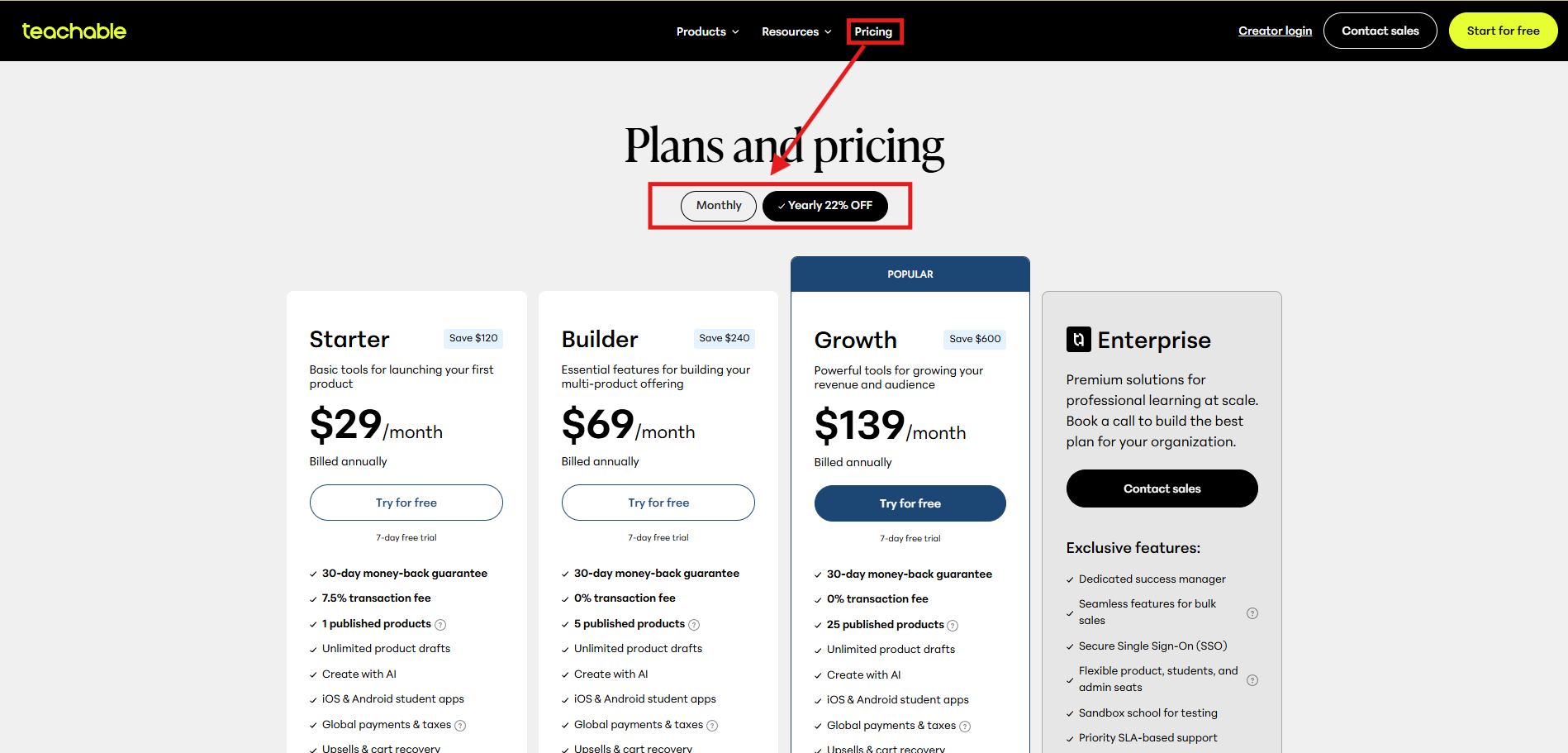
- Starter Plan: $29/month ( billed annually)
Best for beginners launching their first course. However, this plan includes transaction fees on every sale, which can reduce your overall profit.
- Builder Plan: $69/month ( billed annually)
Designed for creators who are growing their audience and want more features to manage and sell their courses.
- Growth Plan: $139/month ( billed annually)
Suitable for businesses scaling their online courses. It offers more advanced tools, analytics, and integrations.
- Advanced Plan: $309/month ( billed annually)
Built for teams and larger online education businesses that need advanced customization and admin features.
Why Many Creators Look for Alternatives
While Teachable is a popular platform, many creators start looking for alternatives because of:
- Transaction fees on lower plans
- Limited marketing automation tools
- Less flexibility in website design
- Higher costs as the business grows
Because of these reasons, many course creators prefer platforms that offer better pricing, more features, and greater flexibility.
Why People Look for Teachable Alternatives
There are several reasons creators consider switching from Teachable to other platforms.
1. Transaction Fees
Lower-tier plans may include transaction fees that reduce earnings. Platforms like Thinkific and Podia offer plans without these fees.
2. Limited Marketing Tools
Teachable focuses mainly on course hosting. Some competitors provide built-in tools for:
- email marketing
- automation
- sales funnels
These features help creators sell more courses.
3. Website Customization
Some creators want greater control over their website design, branding, and layout. Platforms like Kajabi or LearnDash provide stronger customization options.
4. Community Features
Modern online learning often includes communities and memberships where students interact with each other. Some Teachable competitors offer stronger community-building tools.
5. Pricing Flexibility
Creators who are just starting out often prefer free or lower-cost course platforms, which is why many search for free Teachable alternatives.
Best Teachable Alternatives
Teachable is a well-known platform for creating and selling online courses, but it may not meet every creator’s needs. Some users look for better pricing, stronger marketing tools, or more customization. Below are some of the best Teachable alternatives that can help you build, manage, and grow your online course business.
1. Kajabi
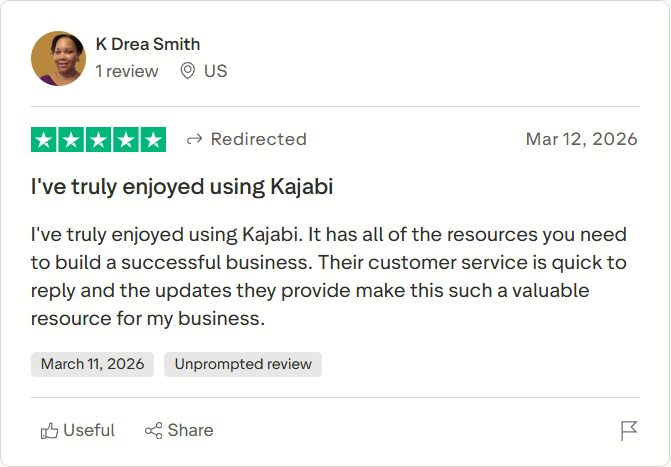
Kajabi is one of the most powerful Teachable alternatives for creators who want an all-in-one platform to run their online course business. Instead of only hosting courses, Kajabi also includes tools for marketing, sales funnels, websites, and memberships.
Ease of Use: ⭐⭐⭐⭐⭐
Features: ⭐⭐⭐⭐⭐
Affordability: ⭐⭐⭐
Learning Experience: ⭐⭐⭐⭐
Because everything is built into one platform, many creators prefer Kajabi when they want to manage courses, email marketing, and sales funnels in a single dashboard. It’s especially popular among entrepreneurs and coaches who want to scale their online education business.
Top Features
- Drag-and-drop course builder
- Email marketing automation
- Sales funnel (pipeline) builder
- Website and landing page builder
- Membership and community tools
Pros
- Complete all-in-one platform.
- Built-in marketing automation.
- Strong website customization.
- No transaction fees.
Cons
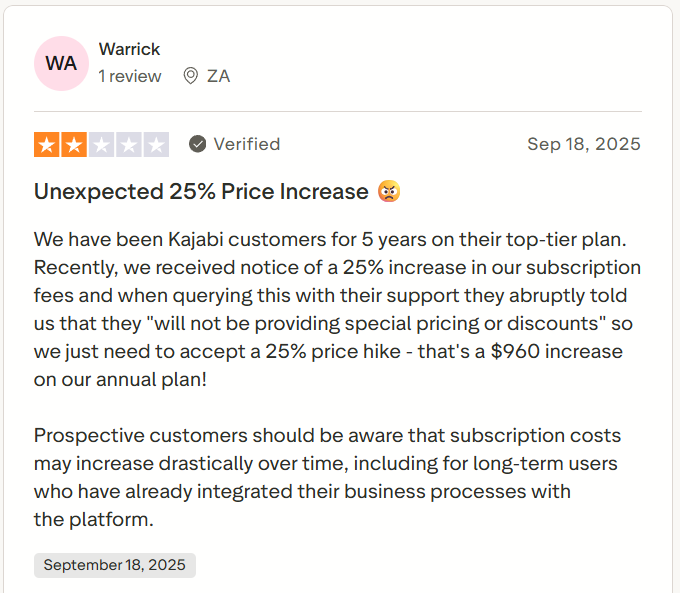
- Higher pricing than most competitors.
- No free plan available.
- Slight learning curve for beginners.
- Product limits on lower plans.
Kajabi vs Teachable
- Kajabi includes built-in email marketing automation, while Teachable offers only basic email notifications.
- Kajabi provides advanced sales funnels and pipelines, whereas Teachable focuses mainly on course delivery.
- Kajabi offers deeper website customization and branding control, while Teachable has simpler design flexibility.
- Teachable has a more beginner-friendly setup and lower starting cost, while Kajabi is designed for scaling businesses.
Kajabi Pricing
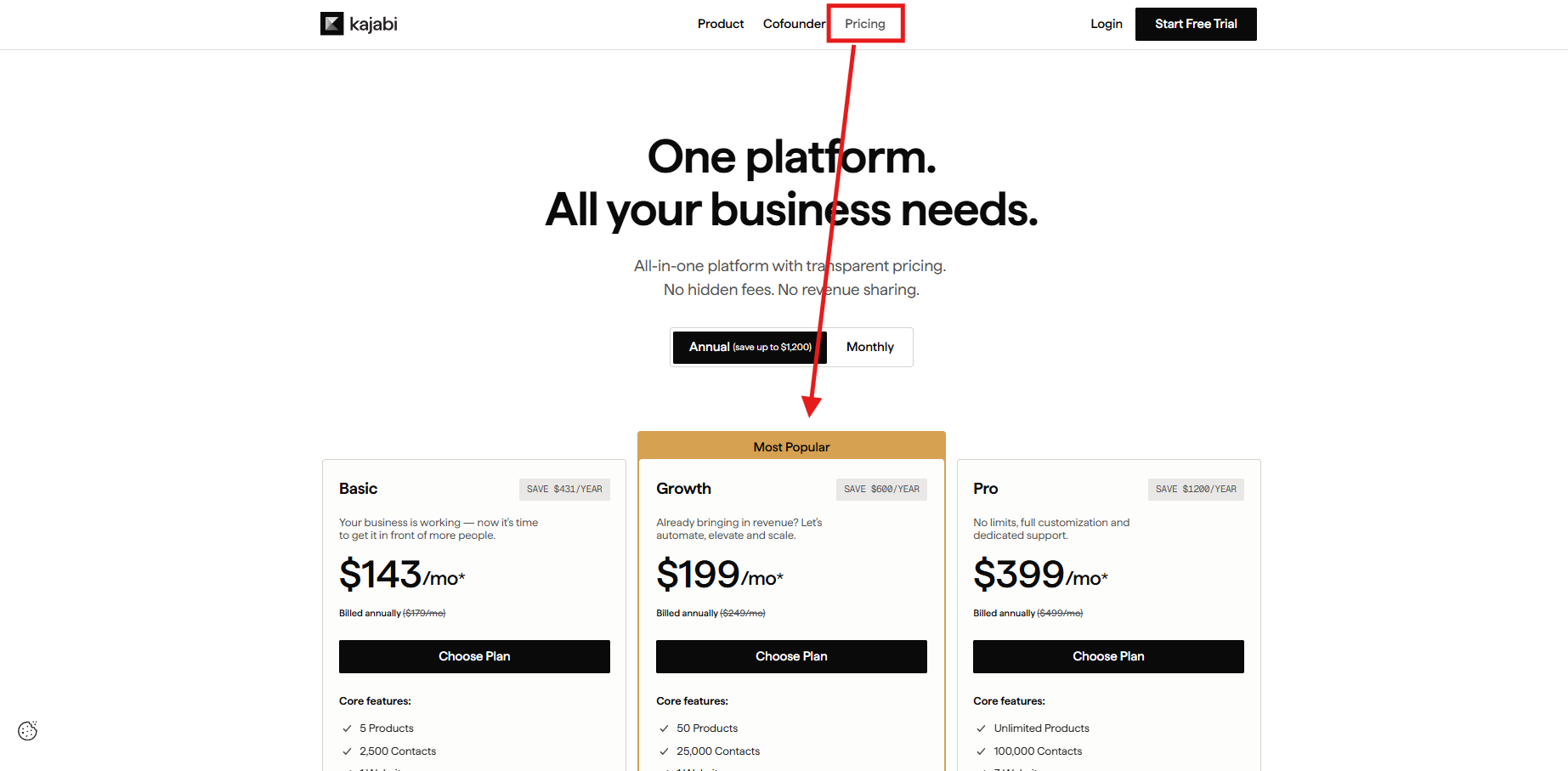
Basic: $143/month ( billed annually )
- Create and sell online courses
- Website builder and landing pages
- Email marketing tools
- 3 products and sales funnels
Growth: $199/month ( billed annually )
- Advanced marketing automation
- Affiliate marketing program
- More products and pipelines
- Increased contacts and active members
Pro: $399/month ( billed annually )
- Custom code editor
- Higher product and funnel limits
- Advanced reporting features
- Designed for large course businesses
Choose Kajabi If You Want
- an all-in-one platform for courses and marketing
- built-in funnels and automation
- strong website customization
- a scalable online course business platform
2. Thinkific
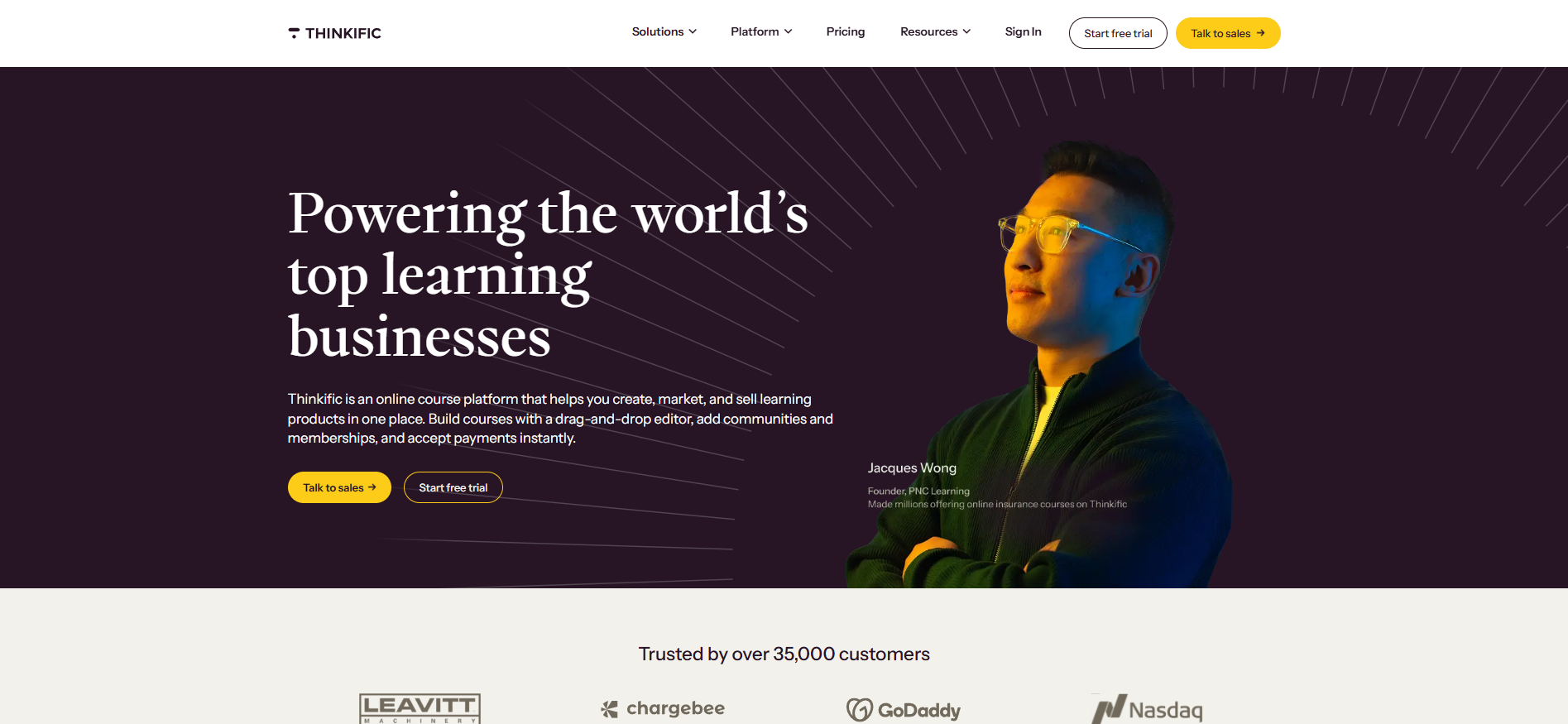
Thinkific is one of the most popular Teachable competitors, known for its powerful course creation tools and customization options. The platform focuses on delivering a strong learning experience with features like quizzes, certificates, and student progress tracking.
Ease of Use: ⭐⭐⭐⭐
Features: ⭐⭐⭐⭐
Affordability: ⭐⭐⭐⭐
Learning Experience: ⭐⭐⭐⭐⭐
It is widely used by educators, trainers, and course creators who want to build a fully branded online school while maintaining control over content and pricing.
Top Features
- Drag-and-drop course builder
- Quizzes, assignments, and certificates
- Customizable course website
- App marketplace integrations
- Membership and subscription options
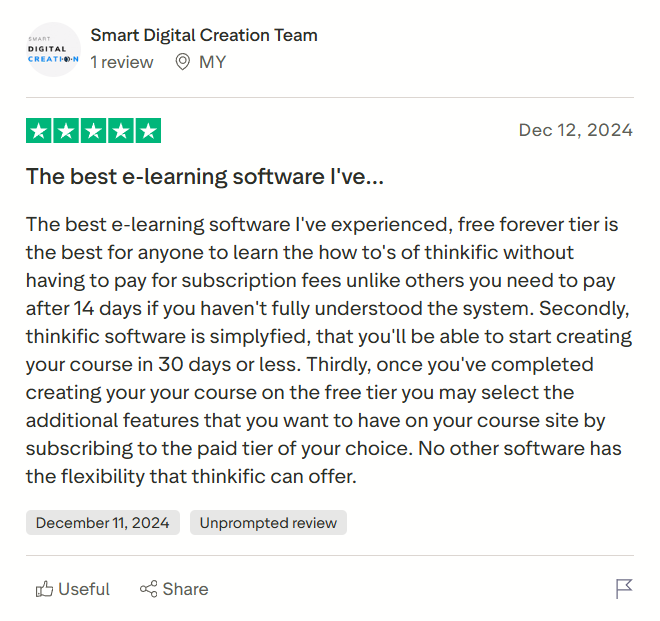
Pros
- Strong course creation tools.
- No transaction fees on paid plans.
- Flexible website customization.
- Free plan available for beginners.
Cons
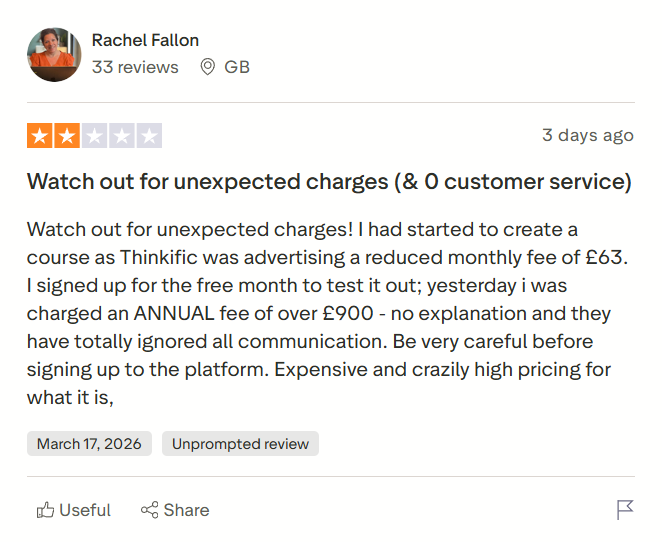
- Limited built-in marketing automation.
- Funnel building requires integrations.
- Advanced features on higher plans.
- Limited theme design options.
Thinkific vs Teachable
- Thinkific provides more control over course website design, while Teachable offers simpler but limited customization.
- Thinkific focuses on structured learning tools like quizzes and certificates, whereas Teachable prioritizes ease of course setup.
- Thinkific does not charge transaction fees on paid plans, while Teachable applies fees on entry-level plans.
- Teachable includes simpler payment handling and onboarding, while Thinkific offers deeper flexibility for scaling.
Pricing
Free: $0/month
- Create and publish one course
- Basic quizzes and student management
- Limited customization options
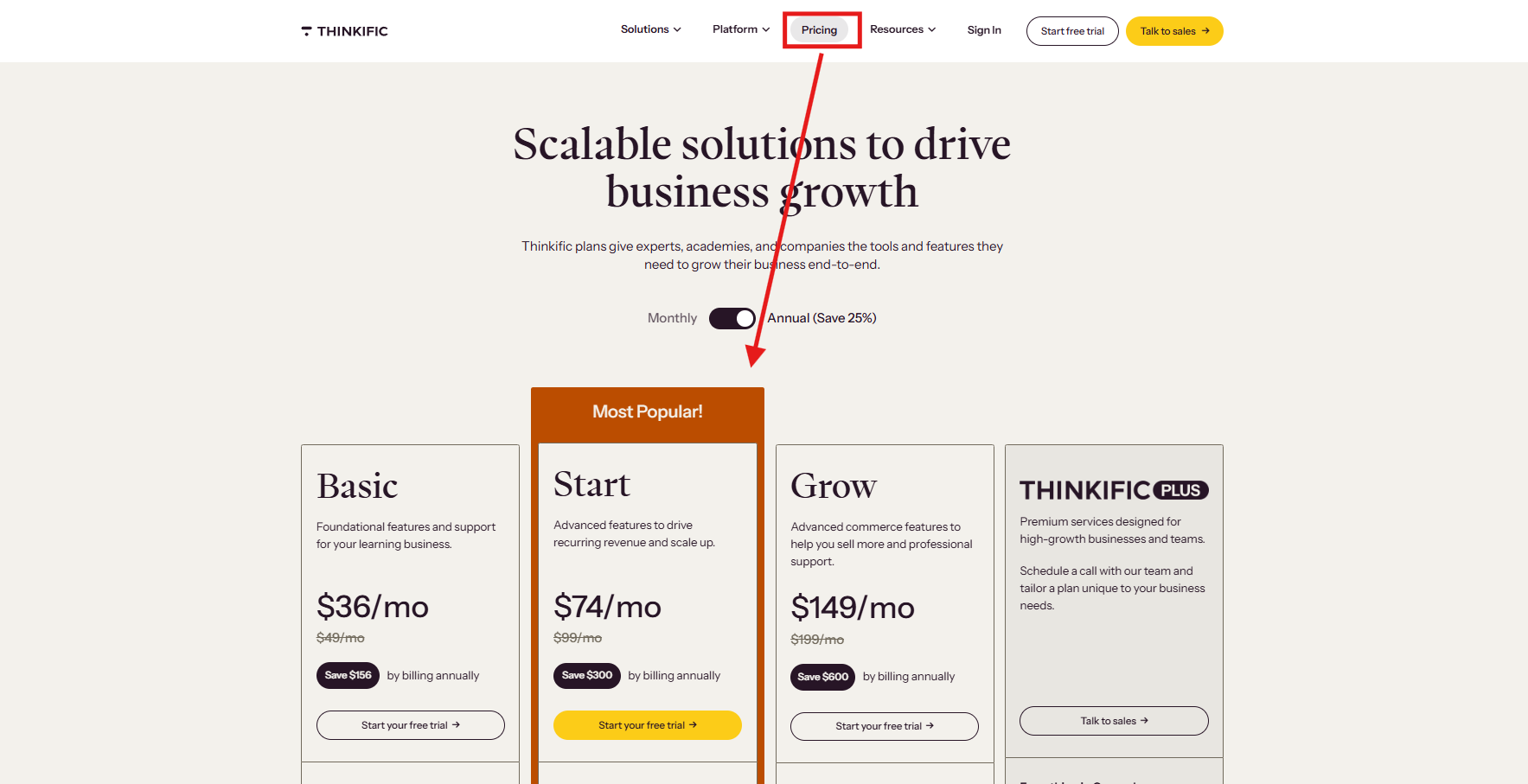
Basic: $36/month ( billed annually )
- Unlimited courses and students
- Custom domain support
- Email marketing integrations
Start: $74/month ( billed annually )
- Membership and subscription options
- Live lessons and webinars
- Advanced integrations and automation
Grow: $149/month ( billed annually )
- Advanced analytics and reporting
- Bulk enrollments and admin controls
- Better student engagement features
Choose Thinkific If You Want
- a powerful and flexible course builder
- better learning experience features
- a free plan to start selling courses
- strong customization for your course website
3. LearnWorlds
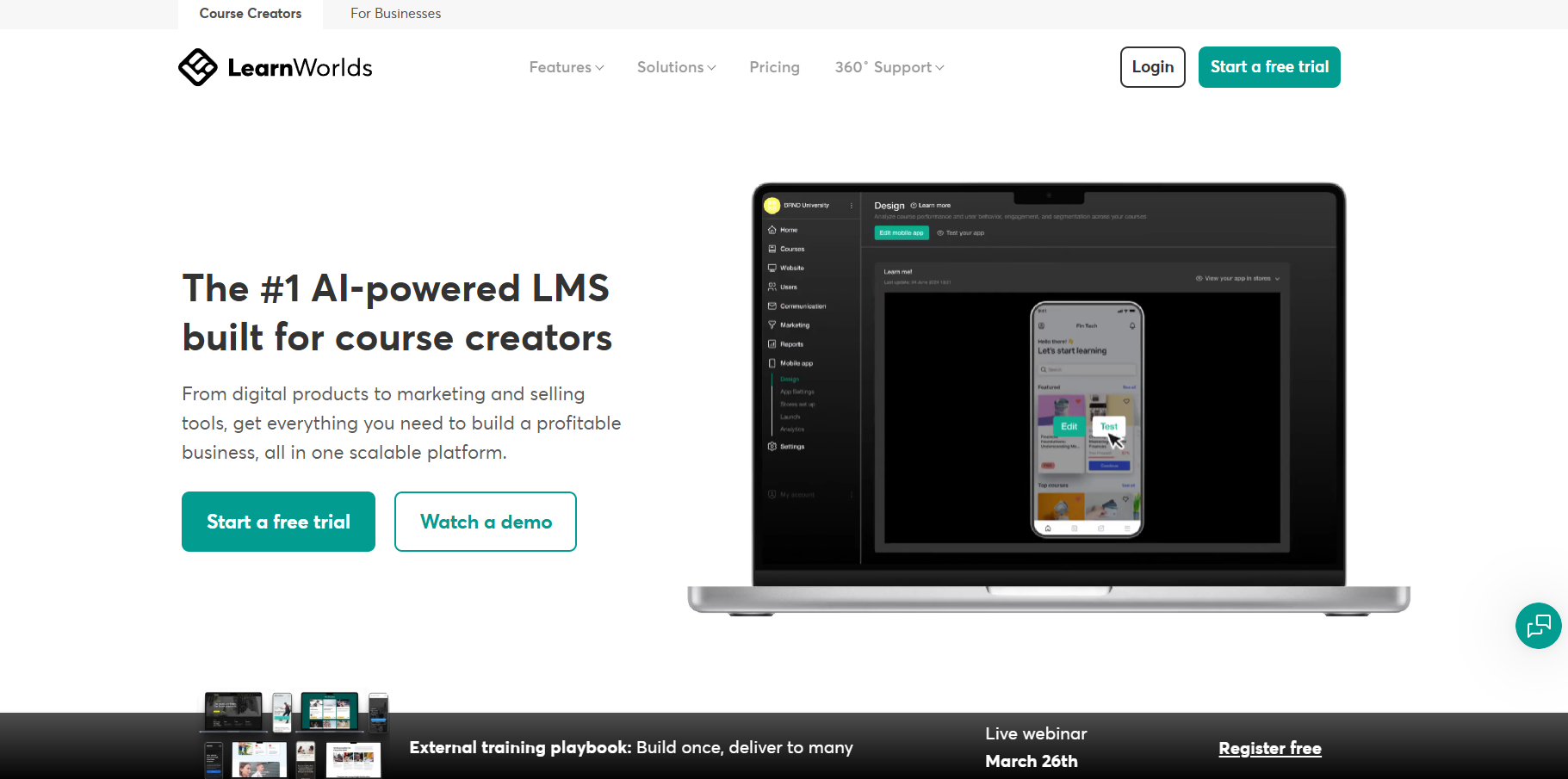
LearnWorlds is a powerful course platform designed for creators who want to deliver highly engaging and interactive learning experiences. Unlike basic course hosting tools, LearnWorlds focuses on improving student engagement through interactive videos, assessments, and detailed analytics.
Ease of Use: ⭐⭐⭐⭐
Features: ⭐⭐⭐⭐⭐
Affordability: ⭐⭐⭐
Learning Experience: ⭐⭐⭐⭐⭐
It is commonly used by professional educators, training organizations, and businesses that need a structured learning environment with advanced branding control.
Top Features
- Interactive video course builder
- Advanced analytics and learner insights
- Customizable course player design
- White-label website builder
- Certificates and assessment tools
Pros
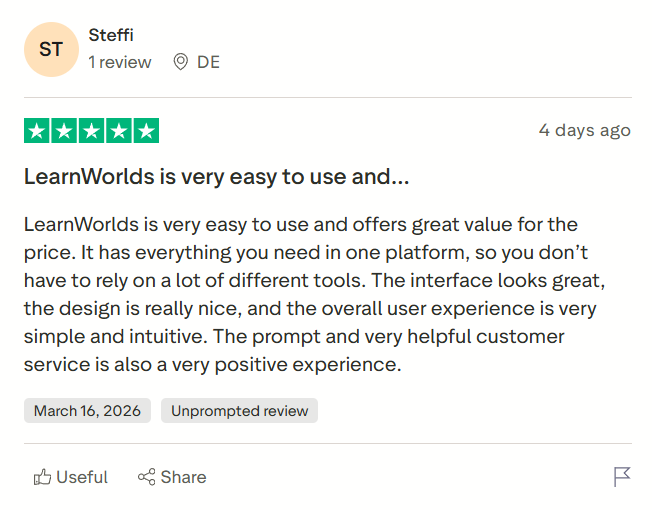
- Highly interactive learning features.
- Strong analytics and reporting tools.
- White-label platform customization.
- Professional training capabilities.
Cons
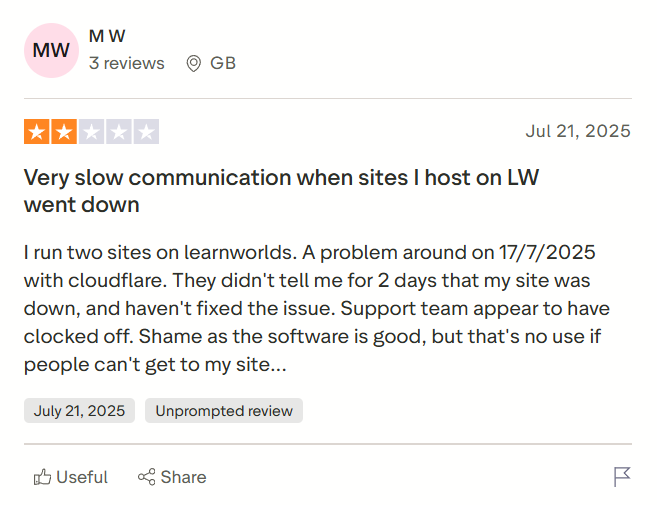
- Slight learning curve for beginners.
- Higher pricing tiers.
- Limited built-in marketing automation.
- Interface can feel complex initially.
LearnWorlds vs Teachable
- LearnWorlds offers interactive video learning, while Teachable supports standard video hosting.
- LearnWorlds provides more advanced analytics and reporting, whereas Teachable’s reporting is basic.
- Teachable has a simpler course setup, while LearnWorlds offers deeper customization.
- LearnWorlds supports white-label branding, which is limited in Teachable.
Pricing
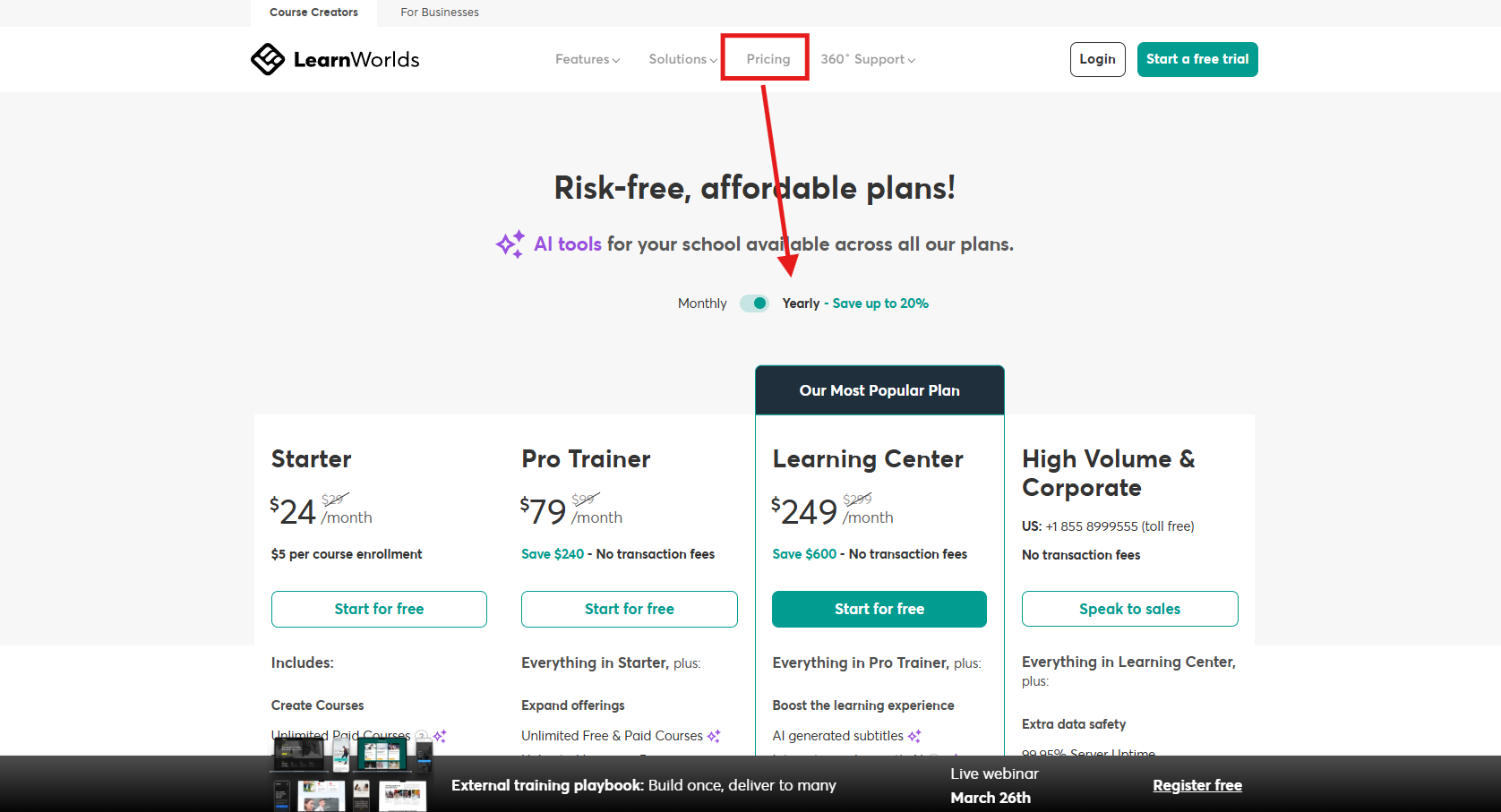
Starter: $24/month ( billed annually )
- Course builder and hosting
- Basic integrations
- Limited customization
Pro Trainer: $79/month ( billed annually )
- Interactive video tools
- Custom domain and branding
- Membership and subscription options
Learning Center: $249/month ( billed annually )
- Advanced analytics and reporting
- White-label mobile apps
- Bulk user management
High-Volume & Corporate – Custom Pricing
- Unlimited admins and instructors
- Dedicated cloud infrastructure
- Single sign-on (SSO)
- Custom development and onboarding
- Premium support and uptime guarantee
Choose LearnWorlds If You Want
- advanced interactive learning tools
- professional training platform
- strong analytics and insights
- white-label branding flexibility
4. FreshLearn
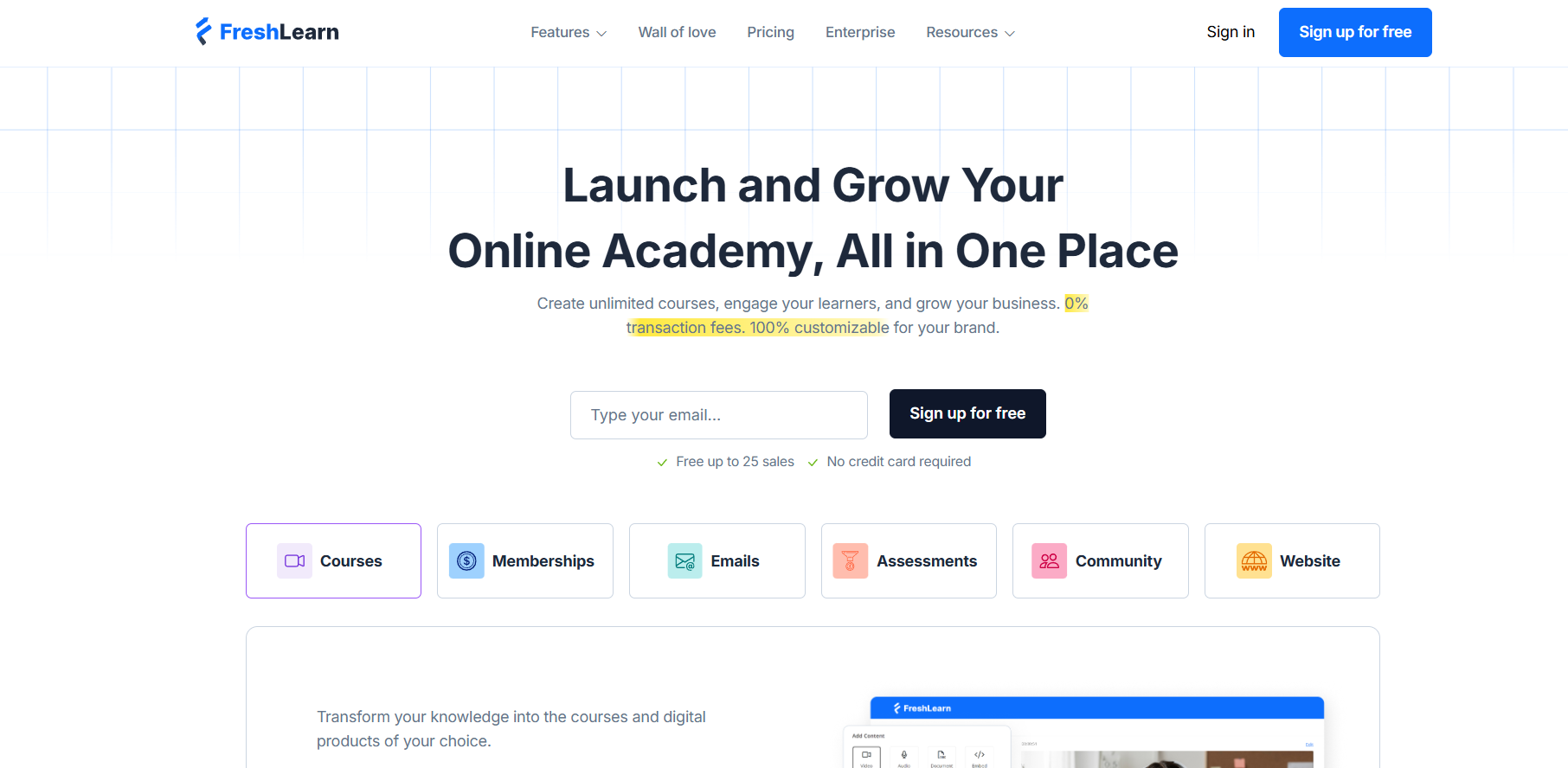
FreshLearn is a modern online course platform designed for creators who want to build, market, and sell digital products from a single dashboard. It supports online courses, cohort programs, workshops, memberships, and communities, making it a flexible alternative to Teachable.
Ease of Use: ⭐⭐⭐⭐
Features: ⭐⭐⭐⭐
Affordability: ⭐⭐⭐⭐⭐
Learning Experience: ⭐⭐⭐⭐
The platform focuses on simplifying course creation while also offering marketing and engagement tools such as email campaigns, checkout customization, and learner assessments. FreshLearn is especially suitable for beginners and growing educators who want an affordable platform with scalable features.
Top Features
- Course, cohort, and digital product builder
- Built-in website and checkout pages
- Email campaigns and automation workflows
- Community and learner engagement tools
- Assessments, certificates, and gamification
Pros
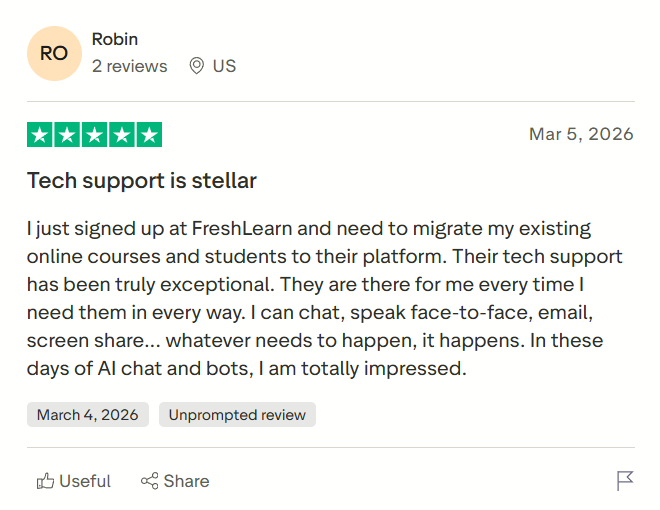
- Beginner-friendly platform with a modern interface.
- Includes marketing and selling tools in one place.
- Supports community and cohort-based learning.
- Affordable pricing with scalable plans.
Cons
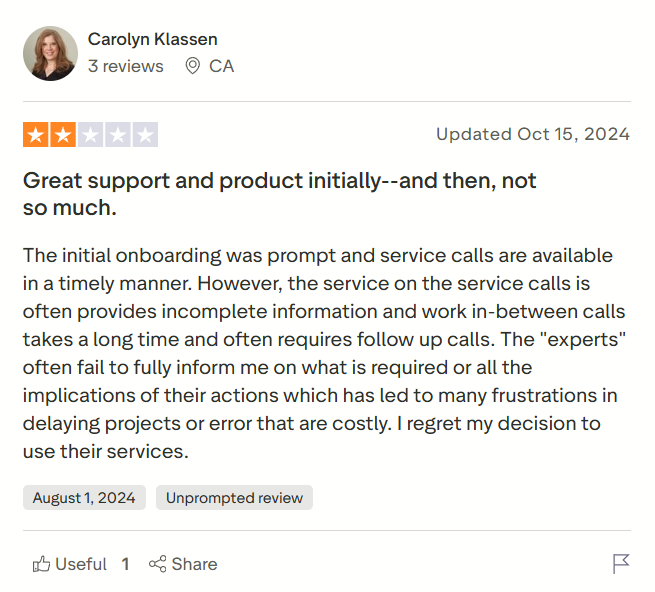
- Smaller ecosystem than older LMS platforms.
- Advanced automation features are available on higher plans.
- Limited customization on entry tiers.
- New users may need time to explore engagement tools.
FreshLearn vs Teachable
- FreshLearn combines course hosting with marketing tools, while Teachable focuses mainly on course delivery.
- FreshLearn supports cohort learning and community features, which are limited in Teachable.
- Teachable offers simpler onboarding for beginners, while FreshLearn provides broader product-selling flexibility.
- FreshLearn includes built-in email campaigns and automation, whereas Teachable relies more on integrations.
Pricing
Free: $0/month
- 1 product creation (course/cohort / digital product)
- Up to 3 sales pages
- 25 manual enrollments
- Built-in website and checkout
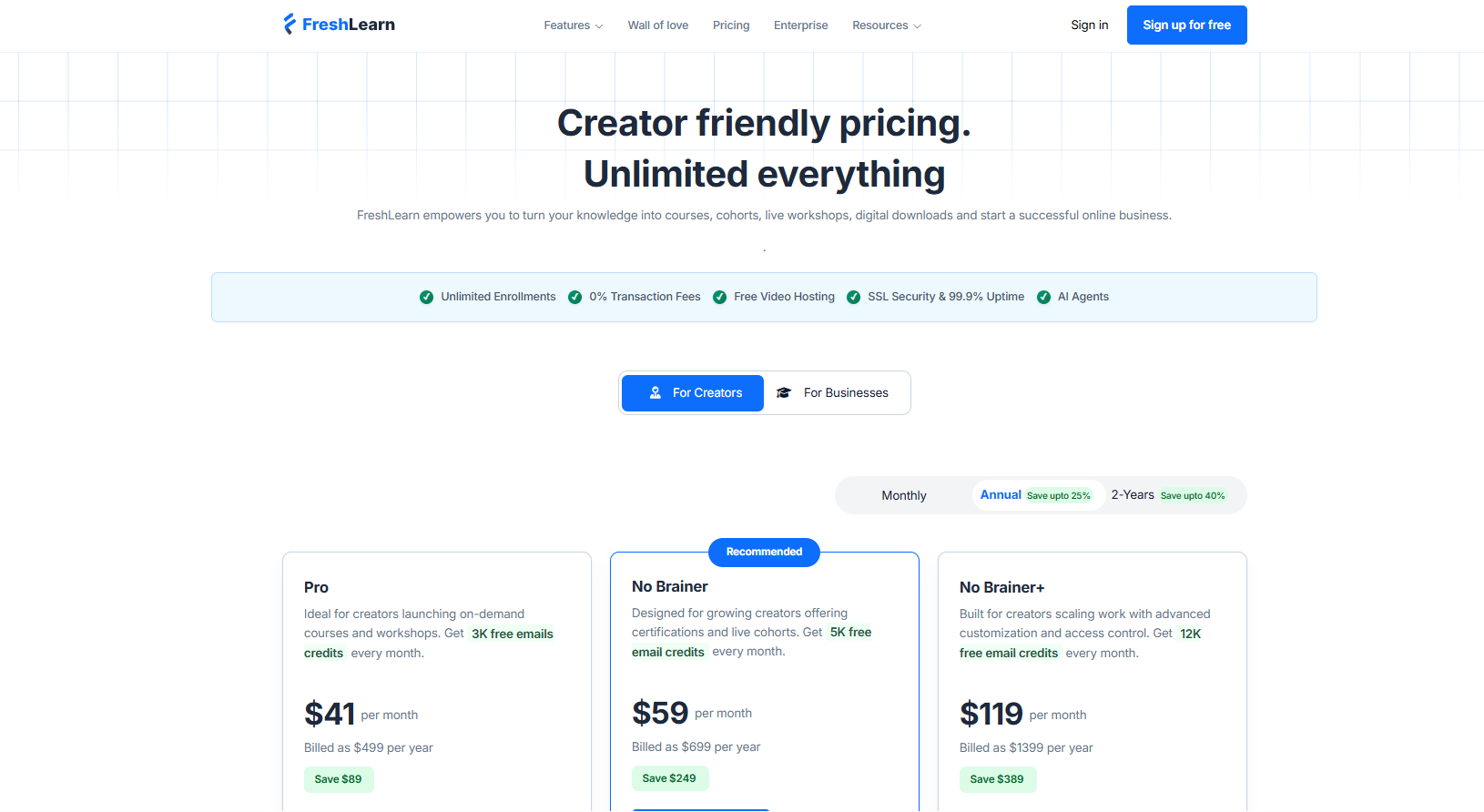
Pro: $41/month (billed annually)
- Unlimited products and enrollments
- Custom domain and branding control
- Email campaigns and coupon tools
- Basic automation workflows
No Brainer: $59/month (billed annually)
- Community feature and live classes
- Certificates, assignments, assessments
- Referral program and gamification
- Mobile learning apps
No Brainer Plus: $119/month (billed annually)
- Unlimited automation workflows
- API access and advanced integrations
- Custom themes and checkout customization
- Priority support and multiple admin access
Enterprise: $249/month + per learner
- SCORM and advanced LMS features
- Personalized learning paths
- Advanced analytics and reporting
- Dedicated onboarding support
Choose FreshLearn If You Want
- an affordable all-in-one course platform
- community and cohort-based learning tools
- built-in email marketing and automation
- scalable plans for growing online academies
5. Podia
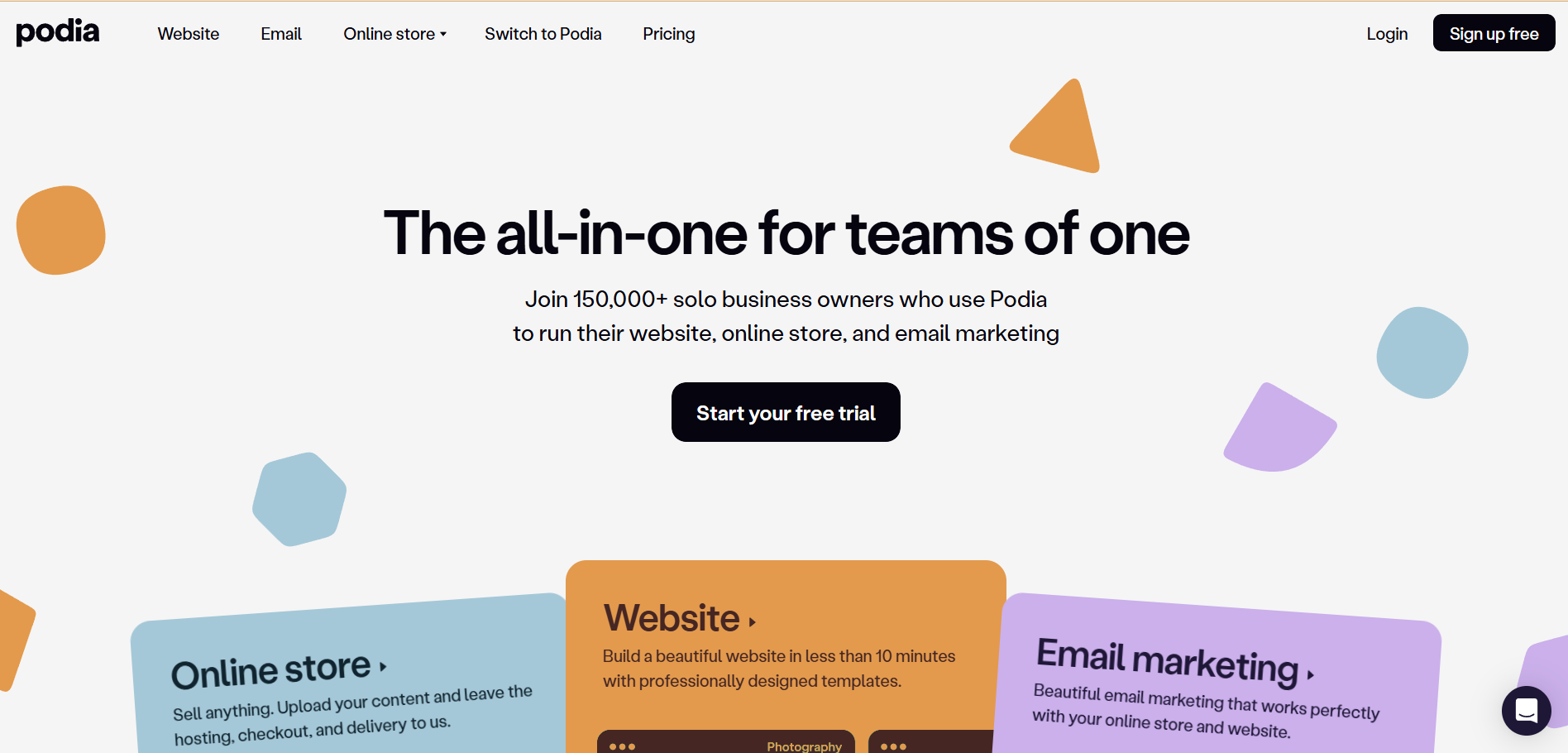
Podia is a simple and beginner-friendly platform that allows creators to sell online courses, digital downloads, coaching, and memberships from one dashboard. It is widely known for its clean interface and easy setup process, making it a popular Teachable alternative for new course creators.
Ease of Use: ⭐⭐⭐⭐⭐
Features: ⭐⭐⭐⭐
Affordability: ⭐⭐⭐⭐
Learning Experience: ⭐⭐⭐⭐
Unlike some advanced LMS platforms, Podia focuses on simplicity while still offering essential marketing tools such as email campaigns, landing pages, and affiliate programs. This makes it suitable for creators who want to launch and sell products quickly without dealing with complex technical setups.
Top Features
- Course and digital product builder
- Built-in email marketing tools
- Membership and subscription options
- Affiliate marketing system
- Website and landing page builder
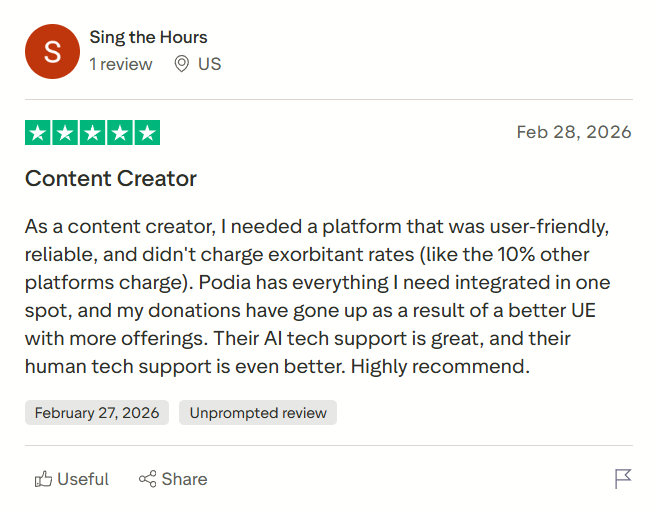
Pros
- Very easy platform for beginners.
- Includes built-in email marketing features.
- Supports multiple digital product types.
- Affordable pricing compared to many competitors.
Cons
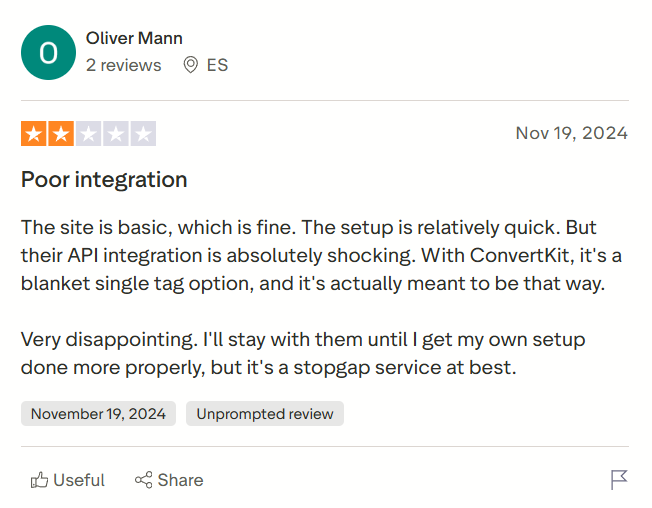
- Limited advanced learning features.
- Basic analytics and reporting tools.
- Customization options are restricted.
- Fewer third-party integrations.
Podia vs Teachable
- Podia includes built-in email marketing, while Teachable requires integrations for advanced campaigns.
- Podia supports digital downloads and memberships, whereas Teachable focuses mainly on courses.
- Teachable offers structured learning tools like certificates, while Podia emphasizes simplicity.
- Podia allows selling unlimited products, while Teachable plans may limit features.
Pricing
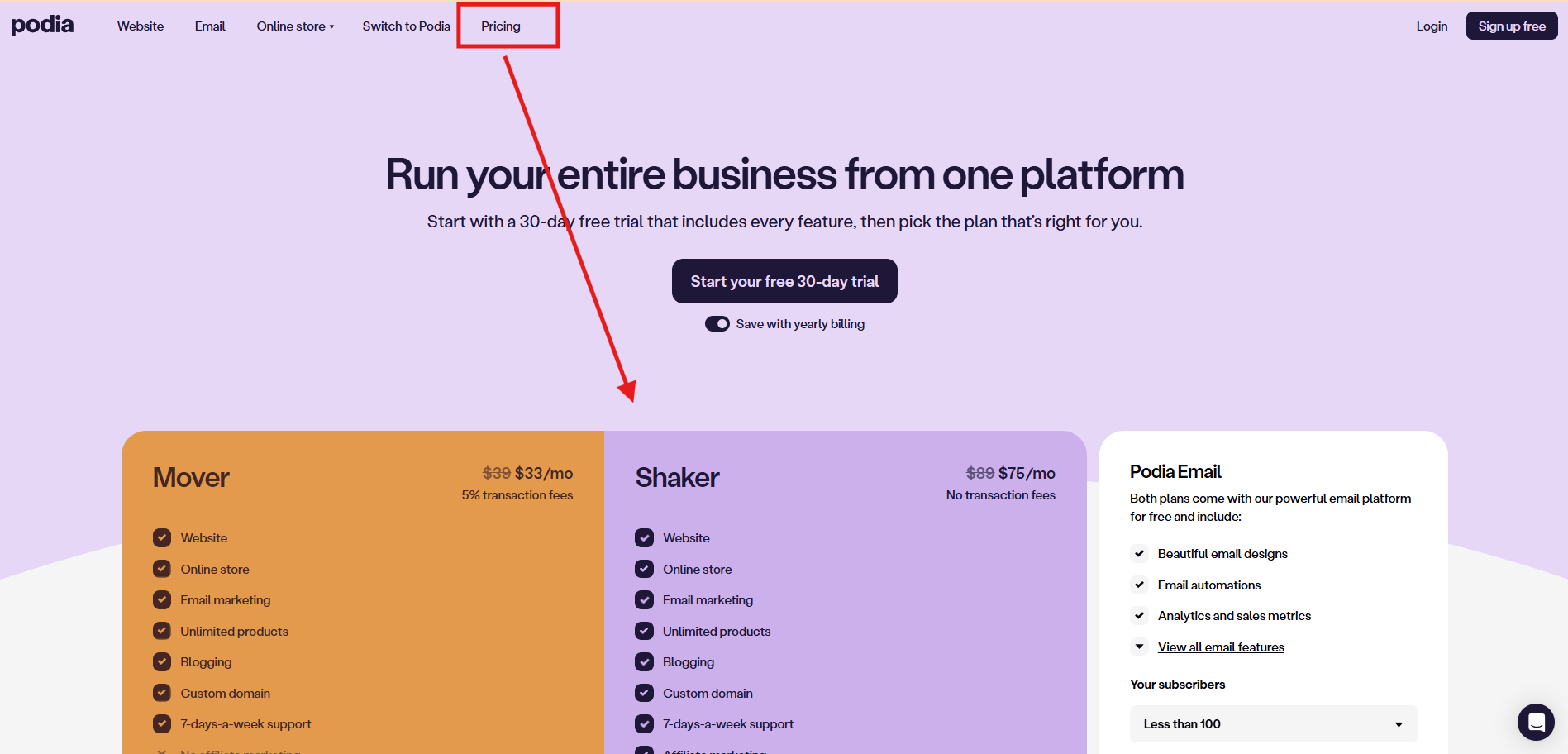
Mover: $34/month (billed annually)
- Sell unlimited courses, downloads, coaching, and webinars
- Marketing tools like coupons, upsells, and waitlists
- Website and community features
- 5% transaction fee per sale
Shaker: $75/month (billed annually)
- Everything in Mover
- Affiliate marketing program
- Embedded checkout on external websites
Choose Podia If You Want
- a simple platform for selling courses and digital products
- built-in email marketing without extra tools
- beginner-friendly setup and clean interface
- affordable pricing for small creators\
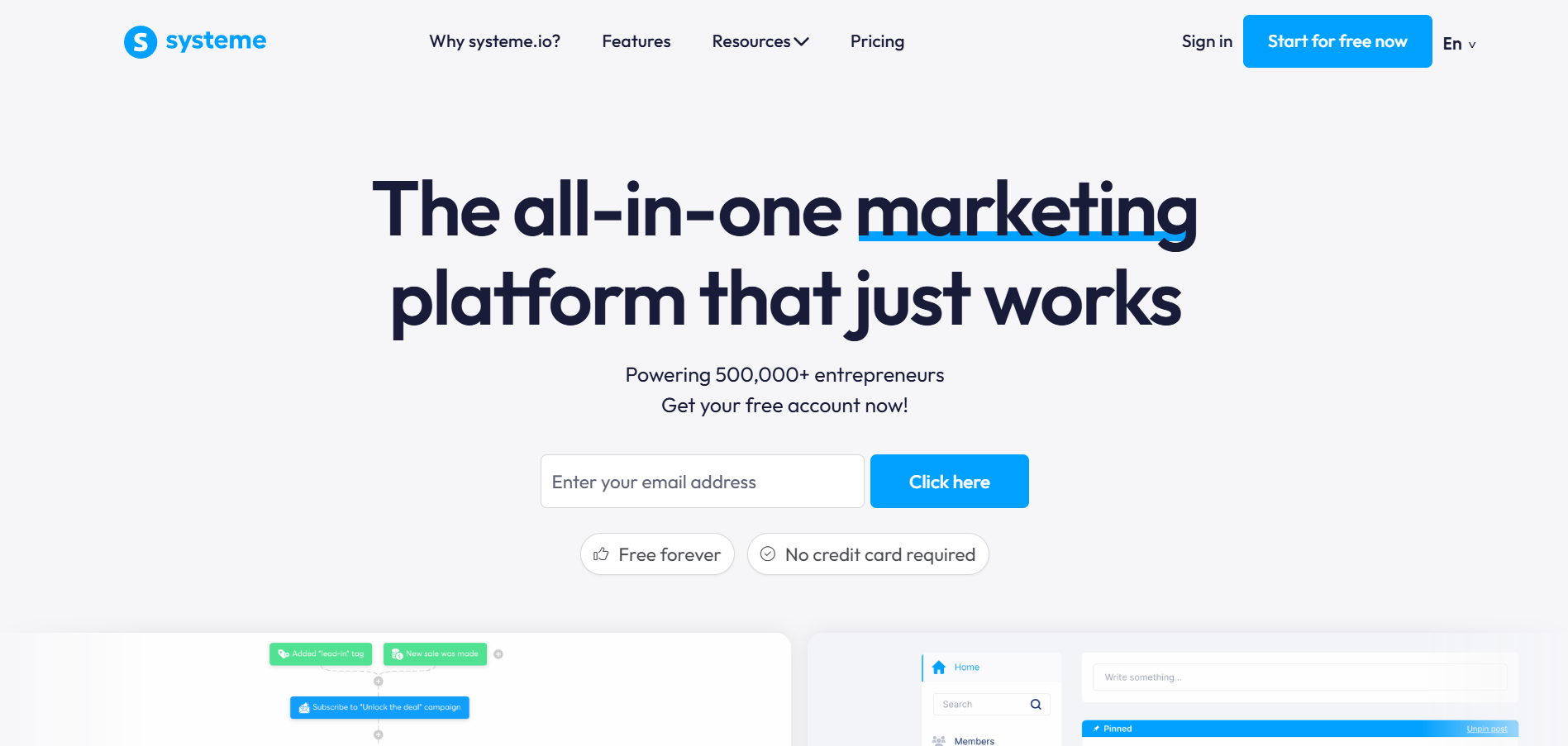
Systeme.io is an all-in-one online business platform that combines course hosting, email marketing, funnel building, and automation tools in one place. It is widely used by creators who want to sell online courses while also managing marketing campaigns and sales funnels without relying on multiple tools.
Ease of Use: ⭐⭐⭐⭐
Features: ⭐⭐⭐⭐
Affordability: ⭐⭐⭐⭐⭐
Learning Experience: ⭐⭐⭐⭐
As a Teachable alternative, Systeme.io focuses more on helping creators generate leads and automate sales processes, making it a suitable choice for entrepreneurs who want to build a complete digital business ecosystem.
Top Features
- Course and membership hosting
- Funnel and landing page builder
- Email marketing automation
- Affiliate program management
- Website and blog builder
Pros
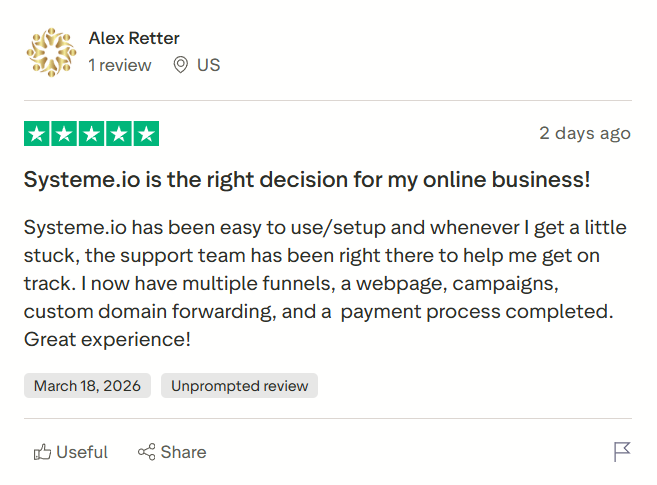
- Generous free plan for beginners.
- Built-in marketing and funnel tools.
- Simple and clean interface.
- Affordable paid plans for scaling.
Cons
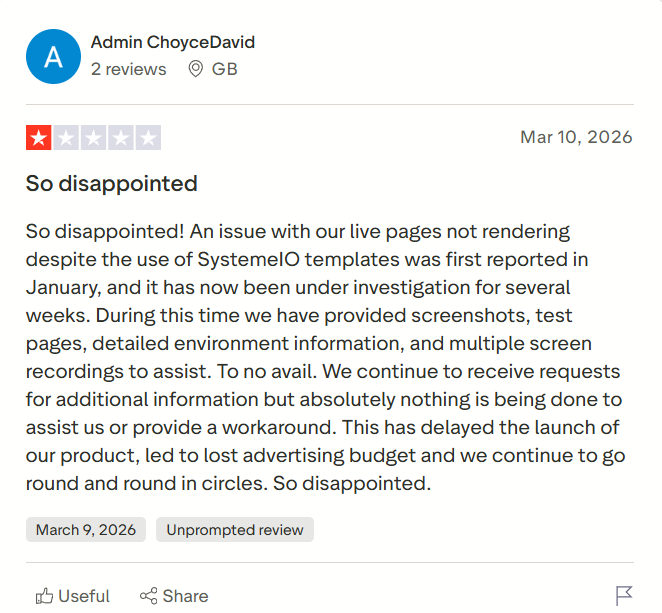
- Limited design customization.
- Smaller integration ecosystem.
- Basic analytics features.
- Learning tools are not as advanced as LMS platforms.
Systeme.io vs Teachable
- Systeme.io provides sales funnel automation and email marketing, while Teachable mainly focuses on course delivery.
- Systeme.io offers a free entry plan, whereas Teachable requires paid plans for advanced features.
- Teachable includes structured course engagement tools, while Systeme.io prioritizes marketing automation.
- Systeme.io combines multiple business tools in one platform, unlike Teachable.
Pricing
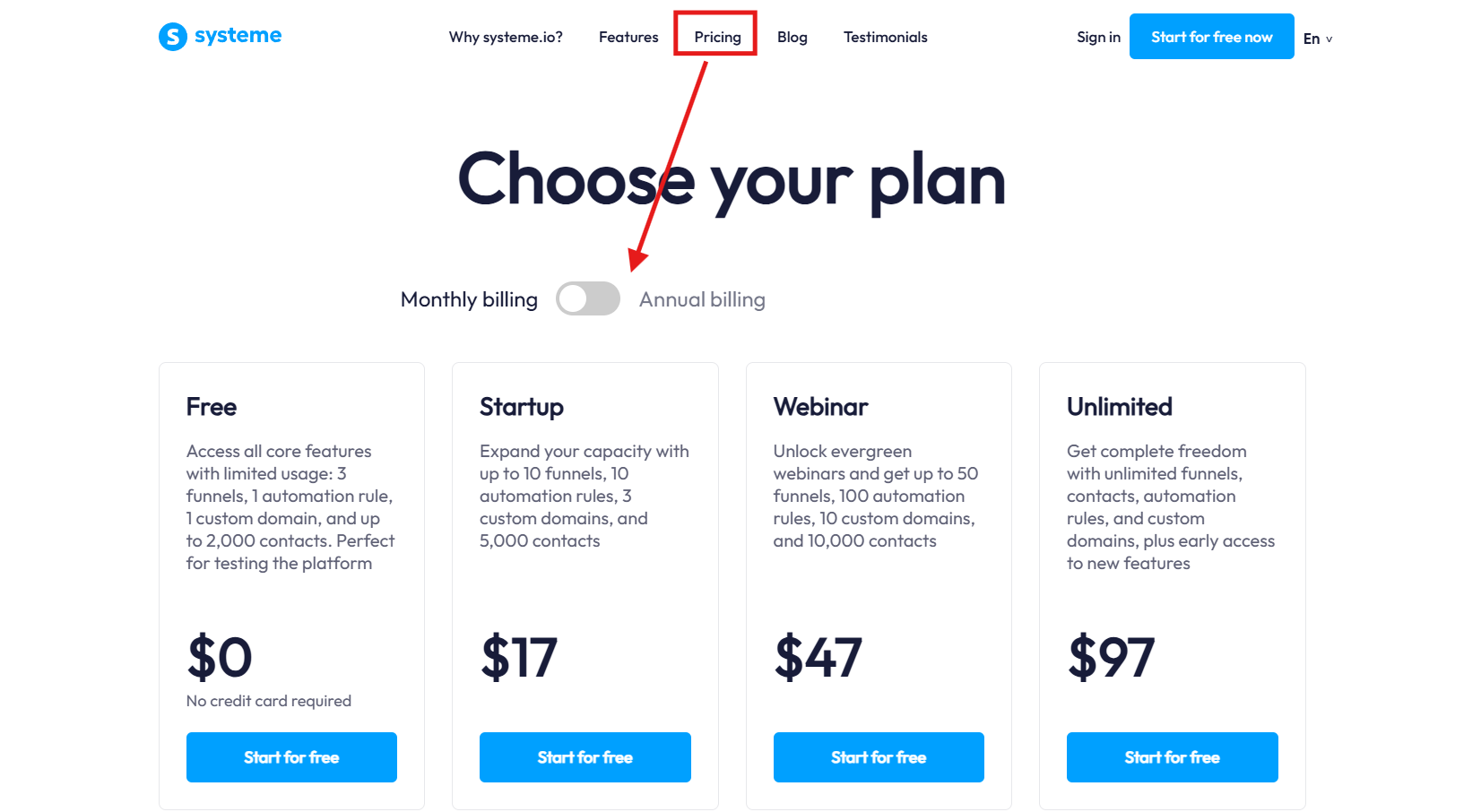
Free: $0/month
- Up to 2,000 contacts
- Create 3 sales funnels
- Build 1 online course and membership site
- Unlimited email sending
Startup: $170 (billed annually)
- Up to 5,000 contacts
- Create 10 sales funnels and 5 courses
- Marketing automation workflows
- Custom domain support
Webinar: $470 (billed annually)
- Up to 10,000 contacts
- Evergreen webinar funnels
- Create 20 courses and membership sites
- Advanced automation tools
Unlimited: $970 (billed annually)
- Unlimited contacts, funnels, and courses
- Unlimited automation workflows
- Unlimited webinars and domains
- Priority support and coaching
Choose Systeme.io If You Want
- a free all-in-one platform to start selling courses
- built-in funnel and email marketing tools
- affordable plans for online business growth
- simple automation without complex integrations
7. Mighty Networks
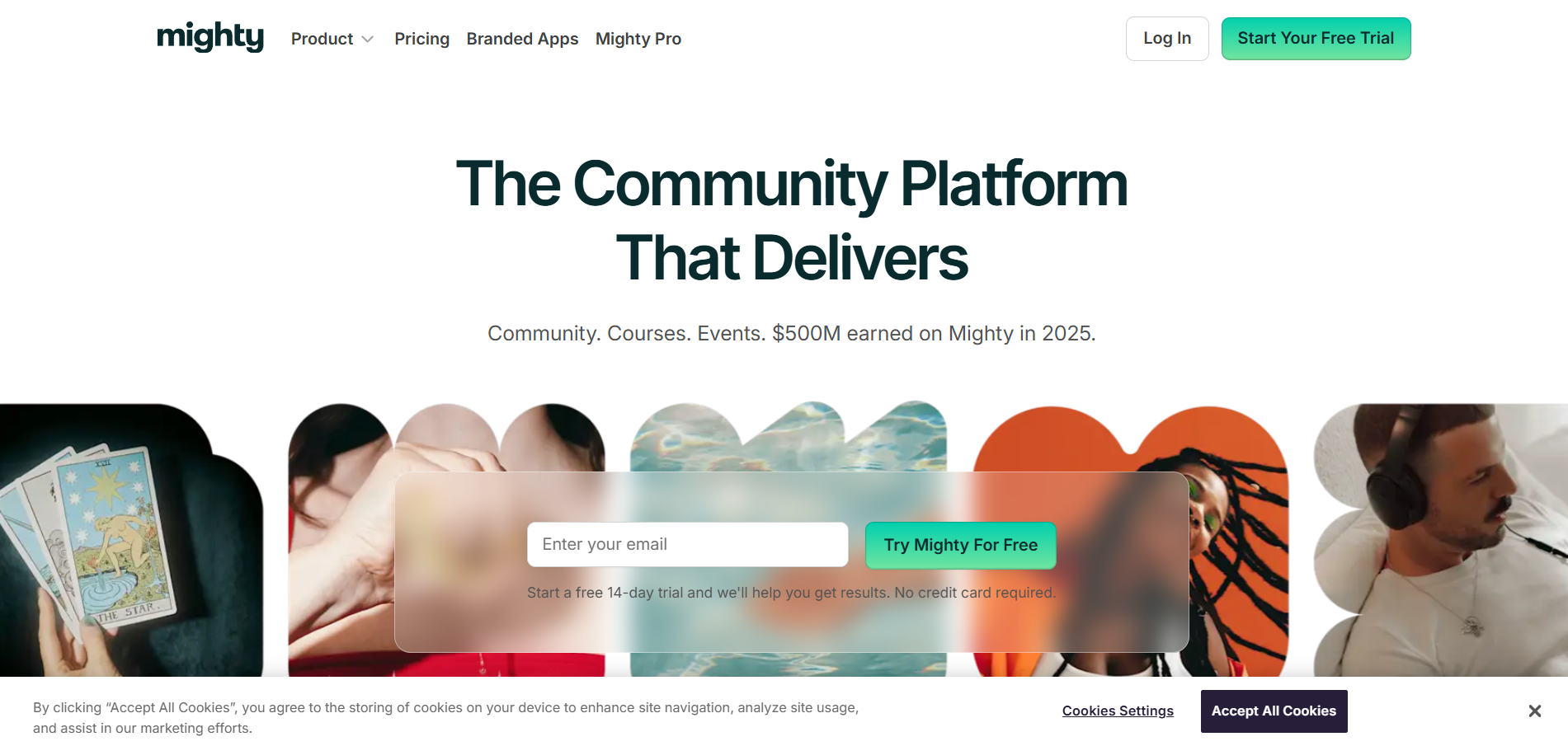
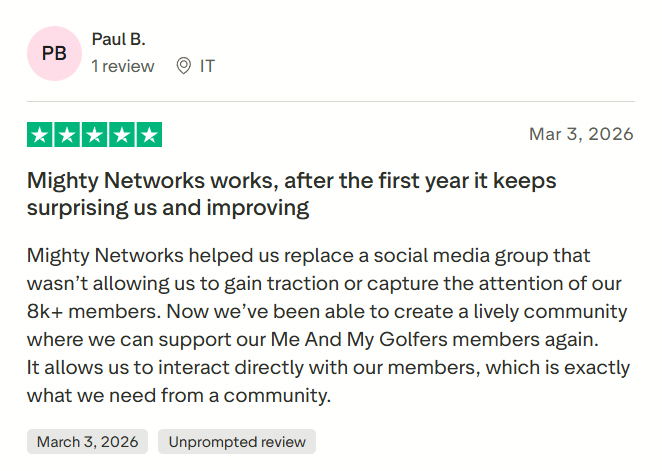
Mighty Networks is a community-focused platform that allows creators to build memberships, online courses, events, and interactive learning spaces. Instead of functioning as a traditional course platform, it emphasizes engagement and social learning by bringing students together inside a branded community environment.
Ease of Use: ⭐⭐⭐⭐
Features: ⭐⭐⭐⭐
Affordability: ⭐⭐⭐
Learning Experience: ⭐⭐⭐⭐
Many creators choose Mighty Networks as a Teachable alternative because it enables them to combine community interaction, content delivery, and paid memberships in one place. It is especially suitable for coaches, educators, and brands looking to build strong relationships with their audience through discussions, livestreams, and collaborative learning experiences.
Top Features
- Community spaces with discussion feeds
- Course and event hosting tools
- Membership subscriptions and bundles
- Native livestreaming and mobile apps
- Custom branding and engagement features
Pros
- Strong community engagement tools.
- Supports memberships and live events.
- Mobile learning experience with branded apps.
- Suitable for building social learning environments.
Cons
- Not purely focused on structured course delivery.
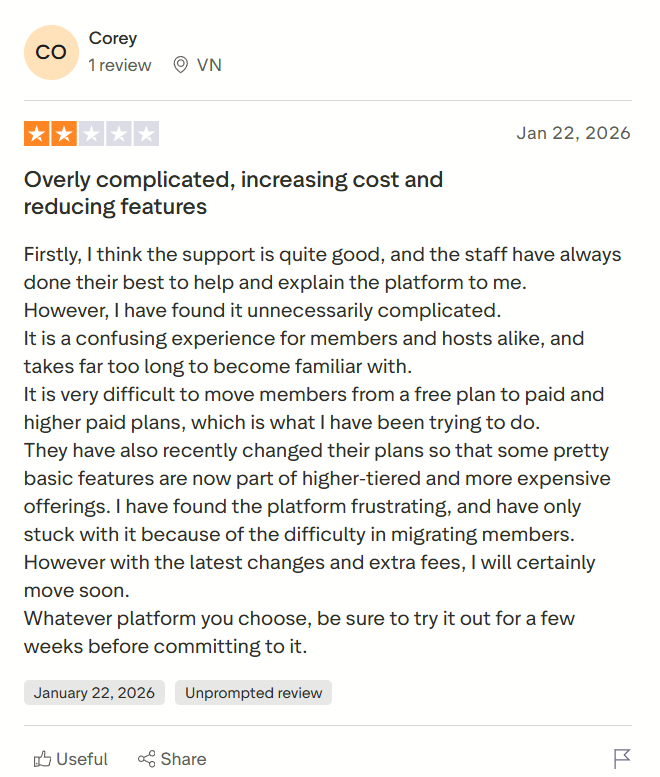
- Marketing automation tools are limited.
- Website customization is basic.
- Pricing can be higher for advanced features.
Mighty Networks vs Teachable
- Mighty Networks focuses on community-driven learning, while Teachable focuses on course hosting.
- Mighty Networks supports livestreaming and discussion-based engagement, whereas Teachable offers traditional lesson formats.
- Teachable provides simpler course structure and onboarding, while Mighty Networks emphasizes interaction.
- Mighty Networks allows membership-first learning models, unlike Teachable.
Pricing
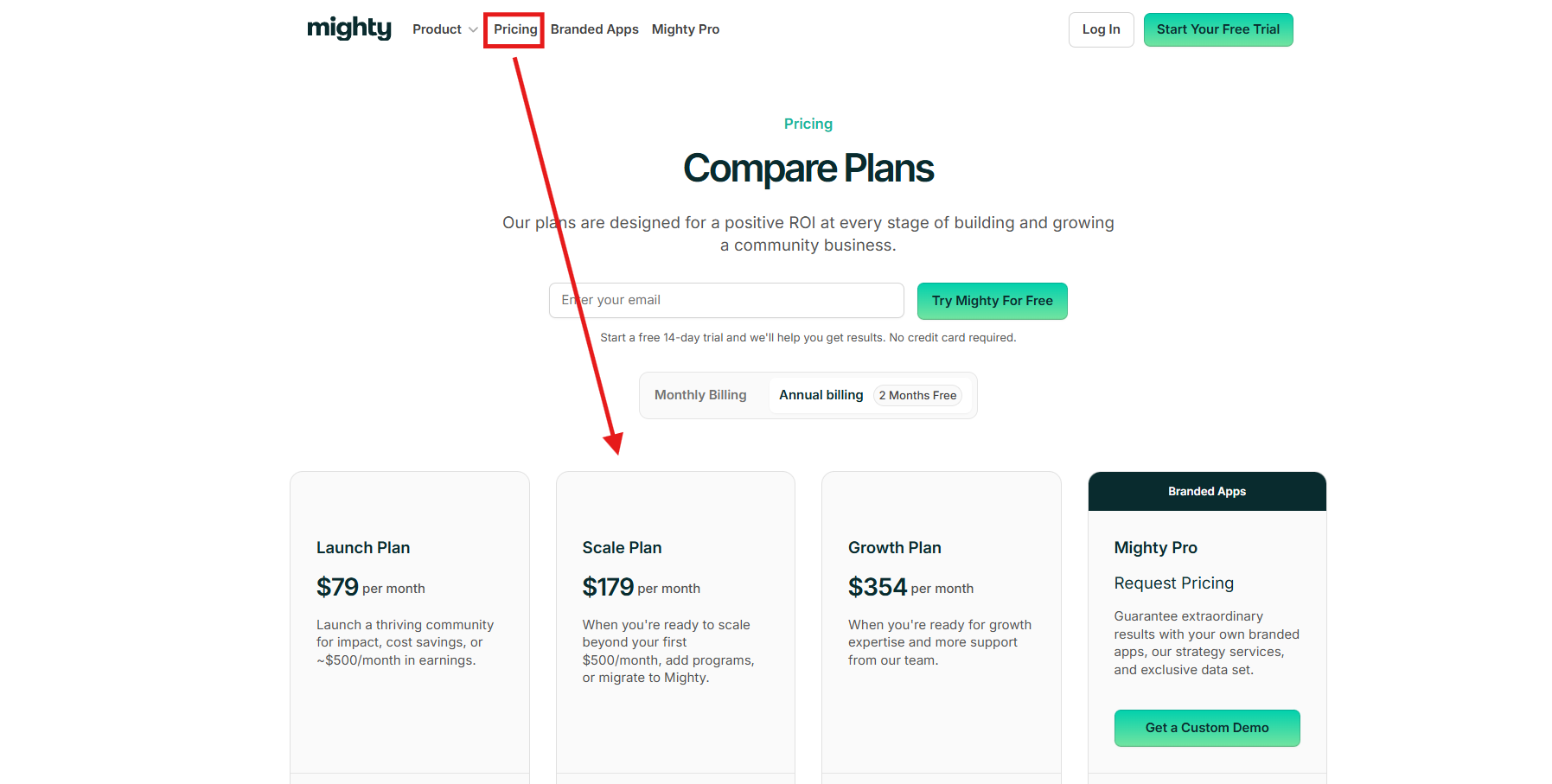
Launch Plan: around $79/month (billed annually)
- Build community spaces and host content
- Charge subscriptions and one-time payments
- Native livestreaming and event features
- Basic automation and analytics
Scale Plan: around $179/month (billed annually)
- Add courses, programs, and advanced offers
- Automate engagement workflows
- Migration and growth tools
- Advanced community management
Growth Plan: around $354/month (billed annually)
- Growth strategy workshops and insights
- AI community design tools
- Advanced admin features
- Dedicated growth support
Mighty Pro: Custom Pricing
- Branded iOS and Android apps
- Dedicated onboarding and strategy team
- Advanced integrations and data tools
- Designed for large communities and businesses
Choose Mighty Networks If You Want
- community-driven online learning
- memberships and live engagement tools
- social learning environment
- branded mobile learning apps
8. LearnDash
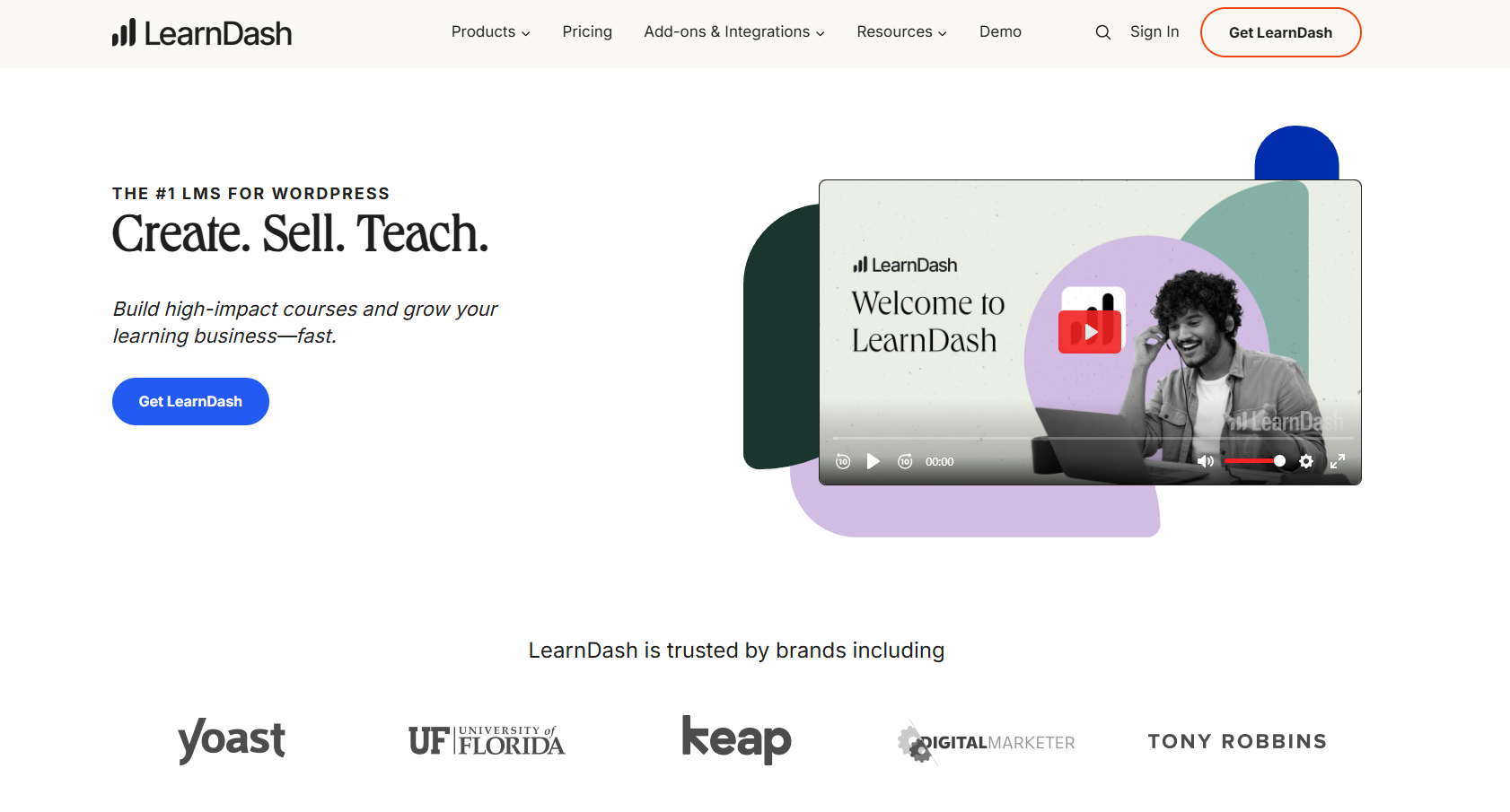
LearnDash is a powerful WordPress learning management system (LMS) plugin that allows creators to build fully customizable online course websites. Unlike hosted platforms like Teachable, LearnDash gives creators complete control over their website, content, and student data by running directly on WordPress.
Ease of Use: ⭐⭐⭐
Features: ⭐⭐⭐⭐⭐
Affordability: ⭐⭐⭐⭐
Learning Experience: ⭐⭐⭐⭐⭐
It is widely used by universities, training organizations, and businesses that need advanced LMS features such as quizzes, certifications, and learning paths. Because it integrates with WordPress plugins and themes, LearnDash offers flexibility that many hosted course platforms cannot match.
Top Features
- Advanced quiz and assessment builder
- Drip-feed course content scheduling
- Certificates and achievement badges
- Membership and payment integrations
- Full WordPress customization
Pros
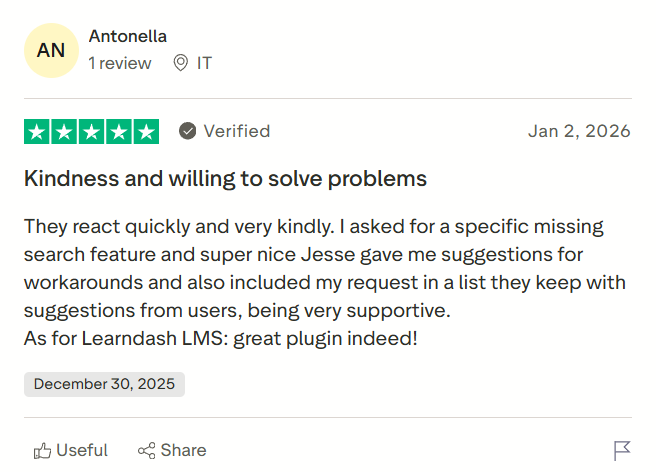
- Complete control over your website and data.
- Advanced LMS features for structured learning.
- Integrates with many WordPress plugins.
- One yearly license instead of monthly subscription.
Cons
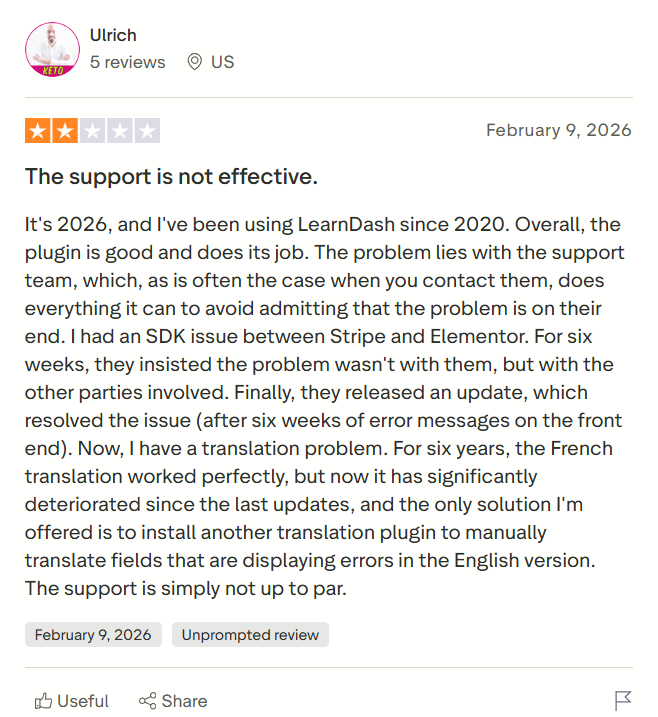
- Requires WordPress knowledge to set up.
- Hosting and maintenance are handled by the user.
- No built-in marketing funnels.
- Setup can be complex for beginners.
LearnDash vs Teachable
- LearnDash provides full website ownership through WordPress, while Teachable is a hosted platform.
- LearnDash offers advanced LMS features like drip lessons and quizzes, whereas Teachable focuses on simplicity.
- Teachable includes built-in hosting and payments, while LearnDash requires WordPress setup and integrations.
- LearnDash allows deep customization through plugins and themes, unlike Teachable’s limited design options.
Pricing
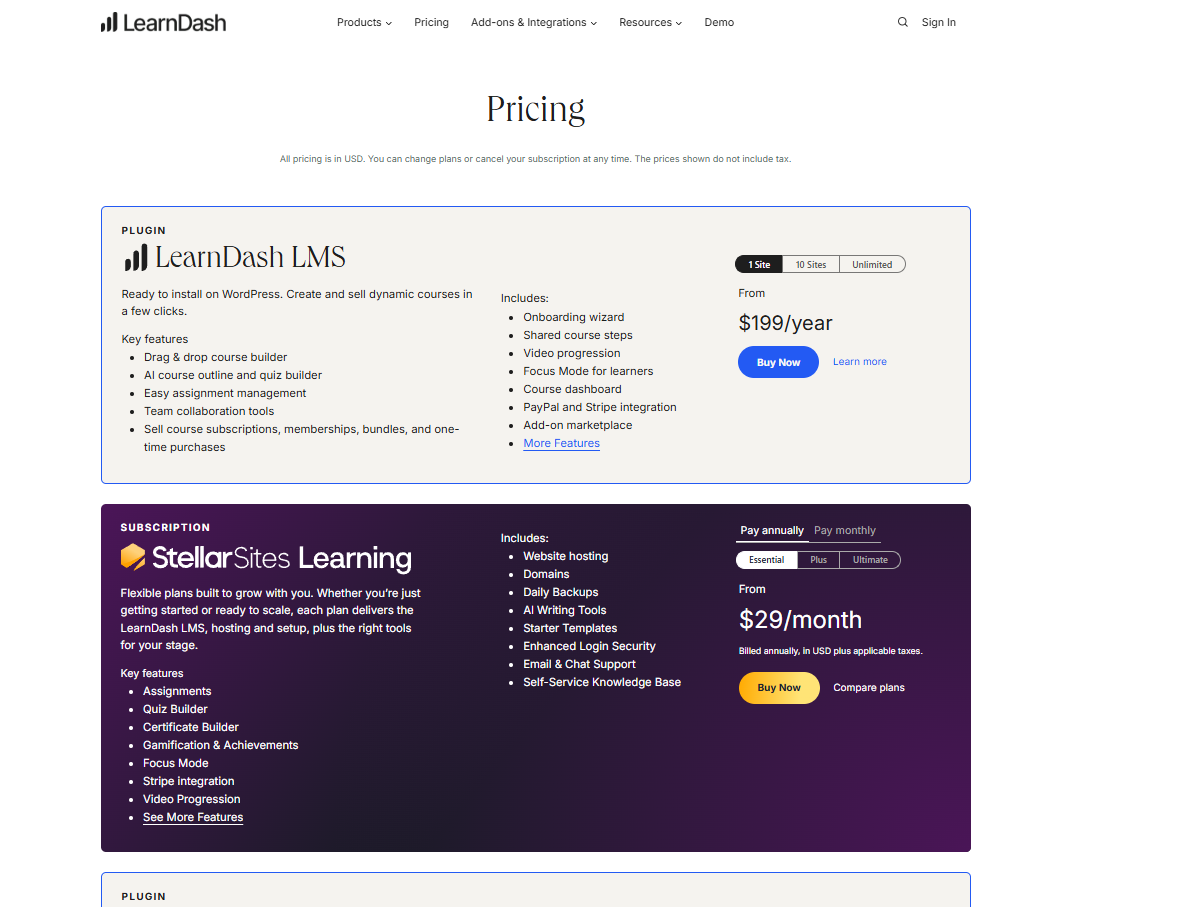
Basic: $199/year
- License for 1 WordPress site
- Core LMS features and course builder
- Quizzes, certificates, and drip lessons
- One year of updates and support
Plus: $399/year
- License for up to 10 websites
- All core LMS features included
- Advanced integrations with WordPress tools
- One year of updates and support
Pro: $799/year
- License for up to 25 websites
- Full LearnDash LMS functionality
- Premium integrations and scalability
- One year of updates and support
Choose LearnDash If You Want
- full ownership of your course website
- advanced LMS features and structured learning tools
- WordPress-based course platform
- maximum customization flexibility
9. Skool
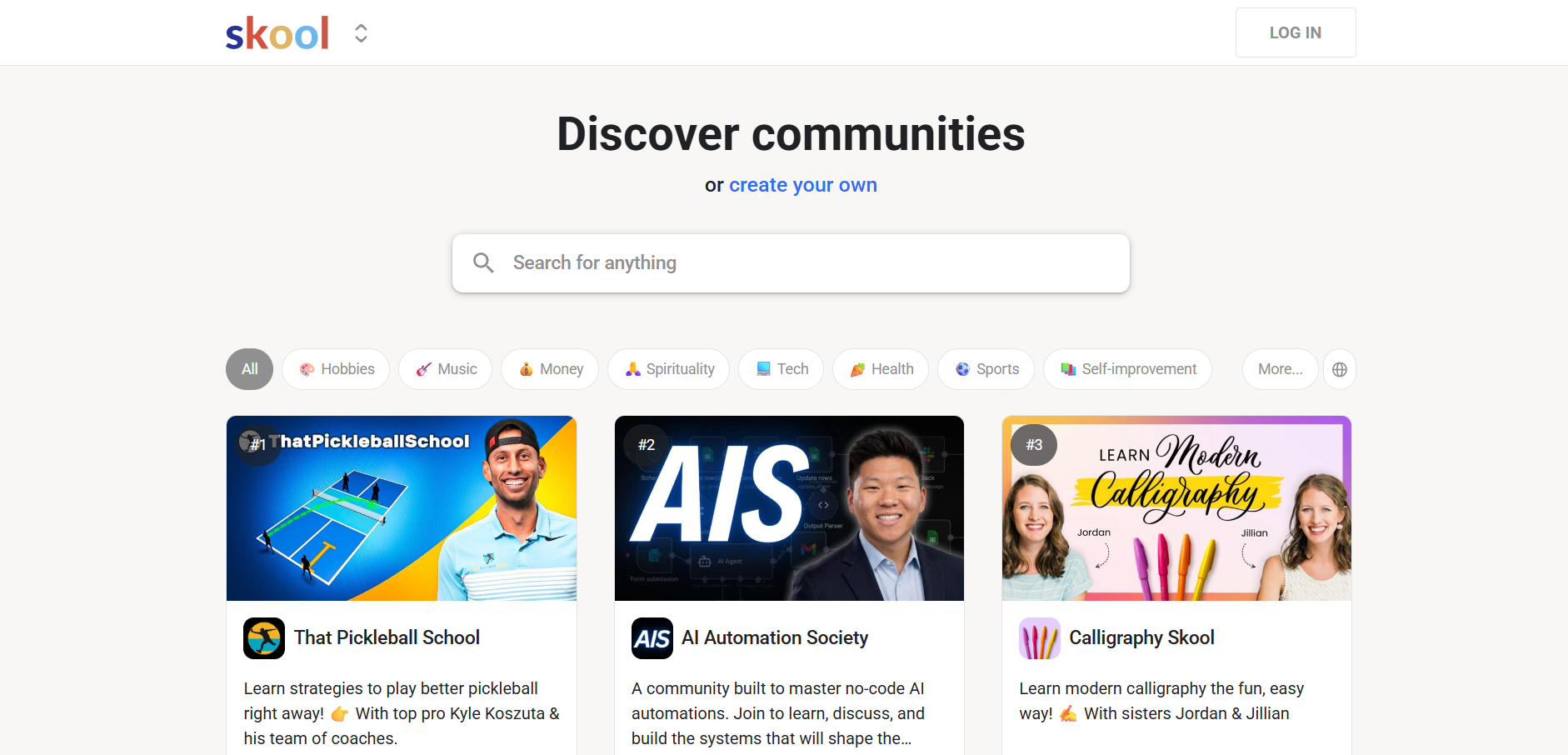
Skool is a modern online course and community platform designed for creators who want to combine structured learning with active student engagement. Unlike traditional course platforms that focus only on lesson delivery, Skool allows creators to build paid communities where students can interact, share progress, and participate in discussions.
Ease of Use: ⭐⭐⭐⭐⭐
Features: ⭐⭐⭐⭐
Affordability: ⭐⭐⭐⭐
Learning Experience: ⭐⭐⭐⭐⭐
The platform is especially popular among coaches, mentors, and creators running cohort-based programs because it integrates course content with gamified engagement features such as points, leaderboards, and progress tracking. This makes Skool a strong Teachable alternative for creators who want to improve student retention and community interaction.
Top Features
- Course hosting with structured modules
- Built-in community and discussion feeds
- Gamification features like points and leaderboards
- Simple membership and subscription management
- Event scheduling and engagement tracking
Pros
- Strong community-driven learning experience.
- Very easy platform setup and navigation.
- Includes gamification to improve engagement.
- Fixed pricing without complicated tiers.
Cons
- Limited website customization options.
- Fewer advanced marketing automation tools.
- Not ideal for complex LMS requirements.
- The integrations ecosystem is still growing.
Skool vs Teachable
- Skool focuses on community-based learning and engagement, while Teachable focuses on structured course delivery.
- Skool includes gamification tools to improve course completion, whereas Teachable offers traditional lesson formats.
- Teachable provides more customization for course pages, while Skool emphasizes simplicity and interaction.
- Skool supports membership-first learning models, unlike Teachable.
Pricing
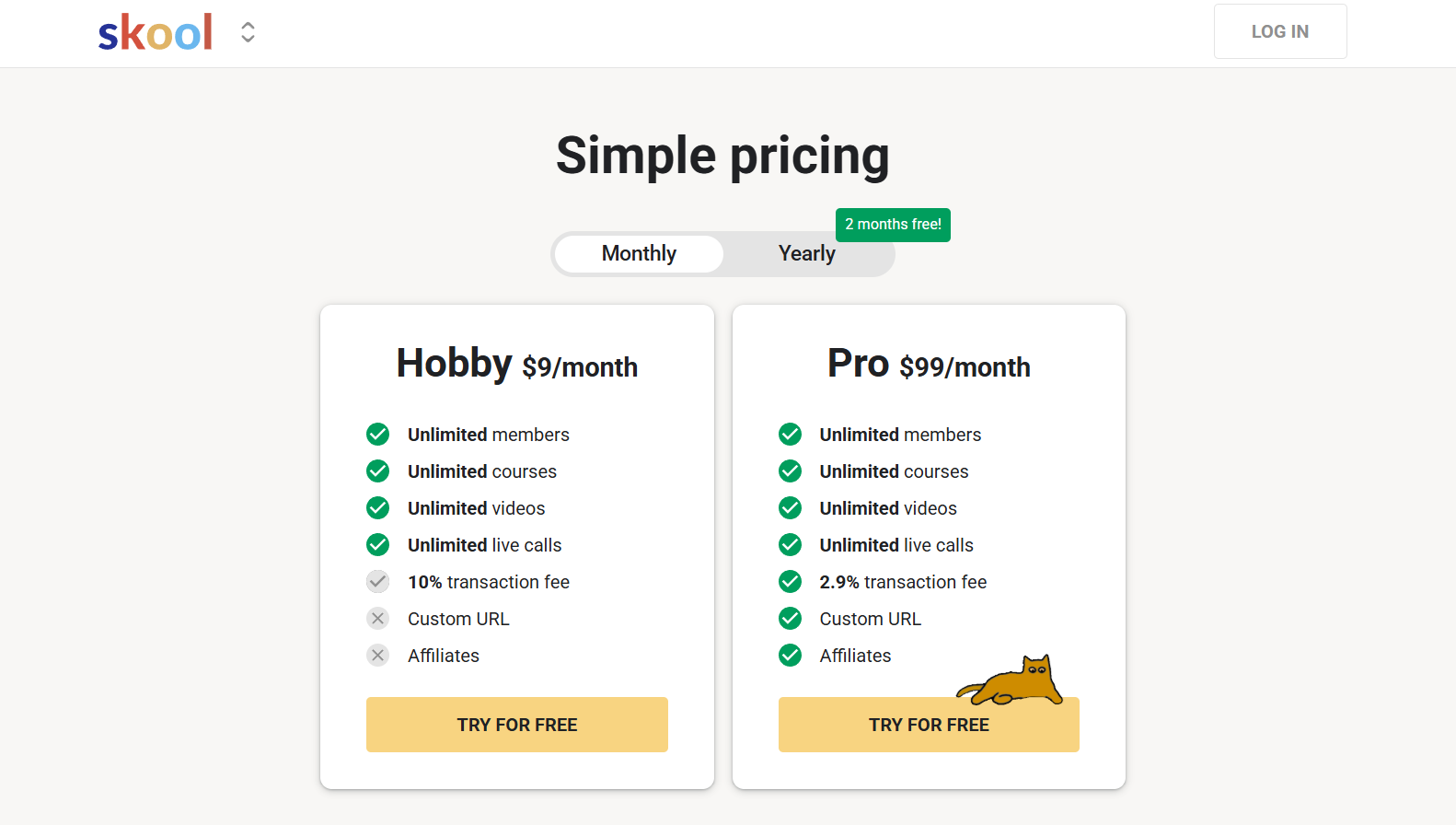
Hobby: $9/month
- Unlimited members and courses
- Unlimited video hosting and livestreaming
- Custom community URL
- 10% transaction fee on payments
Pro: $99/month
- Unlimited members, courses, and events
- Advanced analytics and growth tools
- Multiple admins and better brand control
Choose Skool If You Want
- community-driven online course platform
- gamified learning experience
- simple pricing and setup
- cohort-based or membership learning mode
Quick Comparison:
|
Platform
|
Best For
|
Free Plan
|
Starting Price
|
Key Strength
|
|
Kajabi
|
All-in-one creators
|
No
|
$149
|
Marketing automation
|
|
Thinkific
|
Course builders
|
Yes
|
$49
|
Learning experience
|
|
LearnWorlds
|
Interactive courses
|
No
|
$29
|
Engagement tools
|
|
FreshLearn
|
Affordable creators
|
Yes
|
$41
|
Cohort learning
|
|
Podia
|
Beginners
|
No
|
$39
|
Simplicity
|
|
Systeme.io
|
Free + funnels
|
Yes
|
$27
|
Automation
|
|
Mighty Networks
|
Community learning
|
No
|
$49
|
Social engagement
|
|
LearnDash
|
WordPress LMS
|
No
|
$199/year
|
Full control
|
|
Skool
|
Community + courses
|
No
|
$99
|
Gamification
|
How to Choose the Best Teachable Alternative
Selecting the right platform depends on your goals, budget, and preferred teaching style.
- Choose an all-in-one platform if you want marketing automation, funnels, and website tools
- Choose a learning-focused platform if structured lessons and analytics are your priority
- Choose a community platform if you want discussion spaces and cohort learning
- Choose a free or affordable platform if you are just starting your course journey
- Choose a WordPress-based LMS if you want full control over customization and hosting
The best choice is the platform that aligns with your long-term online education strategy.
Frequently Asked Questions
1. What are the best alternatives to Teachable for creating online courses?
Some of the best Teachable alternatives include Kajabi, Thinkific, LearnWorlds, FreshLearn, Podia, Systeme.io, Mighty Networks, LearnDash, and Skool. These platforms offer different features such as marketing automation, community tools, and advanced course customization.
2. Which platform is better than Teachable for selling online courses?
The best platform depends on your goals. Kajabi is often considered better for marketing automation and funnels, Thinkific is stronger for course creation features, and Skool is better for community-based learning.
3. Is there a free alternative to Teachable for beginners?
Yes. Platforms like FreshLearn, Systeme.io, and Thinkific offer free plans that allow beginners to create and sell basic courses before upgrading to paid plans.
4. What platforms are similar to Teachable but cheaper?
Affordable platforms similar to Teachable include FreshLearn, Podia, and Systeme.io. These tools offer course hosting, marketing features, and flexible pricing plans suitable for new creators.
5. Can I build a full online course business without using Teachable?
Yes. Many creators build successful course businesses using platforms like Kajabi, LearnWorlds, or Mighty Networks, which provide tools for course delivery, marketing automation, and community engagement.
6. Which Teachable competitor is best for community-based learning?
Skool and Mighty Networks are popular choices for community-driven learning. These platforms combine courses with discussion spaces, memberships, and engagement features that help improve student retention.
7. What is the best Teachable alternative for WordPress users?
LearnDash is one of the best alternatives for WordPress users. It allows full control over course website design and integrates with various plugins for payments, memberships, and marketing.
8. Are there platforms with better marketing tools than Teachable?
Yes. Kajabi and Systeme.io offer built-in marketing automation, funnel builders, and email campaigns, making them stronger options for creators focused on growing course sales.
9. How do I choose the right Teachable alternative for my needs?
You should consider factors such as pricing, course features, marketing tools, customization options, and community support. Choosing a platform that matches your long-term business goals will help you scale more effectively.
10. Do Teachable alternatives support memberships and digital products?
Yes. Many alternatives like Podia, FreshLearn, and Kajabi allow creators to sell memberships, coaching programs, and digital downloads along with online courses.
Final Thoughts
We’ve explored some of the best Teachable alternatives that creators can consider when building and scaling an online course business. The right platform ultimately depends on factors like your budget, marketing needs, customization preferences, and the type of learning experience you want to deliver.
There’s no one-size-fits-all solution. Some platforms are better for automation and sales, while others focus on community engagement or advanced course features.
As team Khajabi, we always suggest taking time to compare features, try free plans where available, and choose a platform that aligns with your long-term growth rather than just immediate convenience.
You might also like